7 Best Access Points for Business in 2026
Published

Your guest Wi-Fi works until the lobby fills up. Staff still share a password, each branch has slightly different settings, and the proposed upgrade focuses on faster radios rather than the support tickets your team handles every week. You need reliable connectivity, but you also need a network your team can administer without constant site visits.
The best access points for business depend on the venue, not just the Wi-Fi generation. A café, a hotel, a warehouse, and a multi-site retailer need different approaches to coverage, client density, identity, guest onboarding, and network separation. Choose the operating model first, then select hardware that supports it.
- Replacing hardware: Match radios, power, uplinks, and management tools to the actual building.
- Fixing access control: Check whether your existing access points can support better authentication and segmentation.
Use network and wireless solutions from ATEK to explore infrastructure options, but compare complete deployment costs rather than access-point prices alone. The shortlist below distinguishes hardware platforms from an access-control overlay, because replacing functioning radios isn't always the right intervention.
Table of Contents
- 1. Purple Access
- 2. Cisco Meraki
- 3. HPE Aruba Networking
- 4. RUCKUS Networks
- 5. Ubiquiti UniFi
- 6. Juniper Mist
- 7. TP-Link Omada
- Best Business Access Points: 7-Brand Comparison
- Build for the Network You Will Run
1. Purple Access
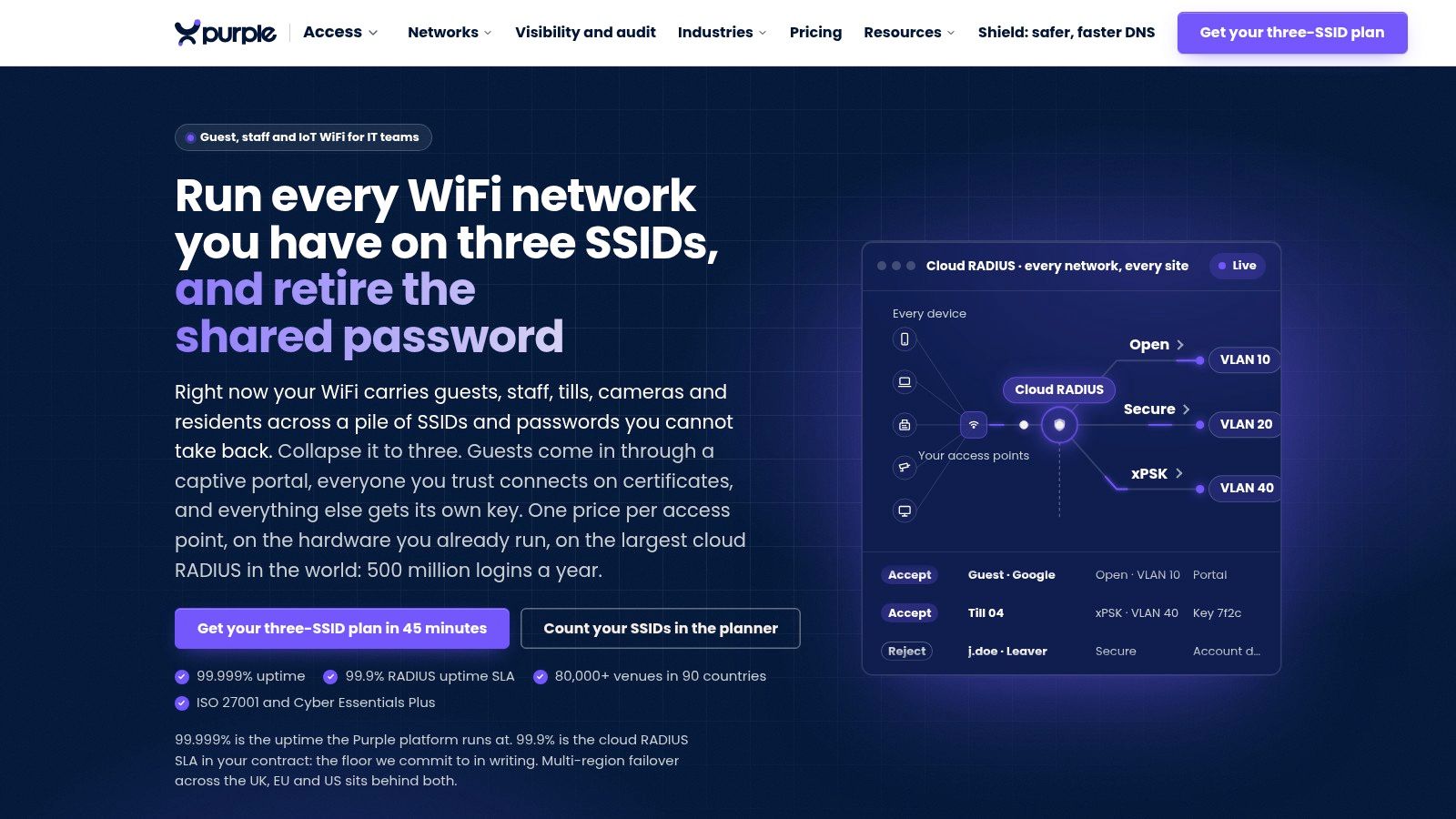
Best for organizations that need consistent identity and access policies across compatible existing hardware. Purple Access isn't a physical access point. It's an access-control platform for businesses whose main problems are shared passwords, fragmented onboarding, and inconsistent separation between users and devices.
That distinction matters for hotels, residential properties, campuses, and retail estates. If coverage is adequate but administrators struggle to revoke credentials or maintain consistent VLAN assignments, assess the access architecture before approving a hardware replacement.
Separate identity from hardware replacement
Purple organizes connectivity around Open, Secure, and xPSK networks, using Cloud RADIUS and identity-led VLAN assignment. Guest onboarding, certificate-based staff access, and individually revocable device keys address different operational needs without treating every connected device as equally trusted.
Its integrations include directory services, MDM platforms, hospitality systems, and security tooling. Validate the exact combination of access-point model, firmware, authentication method, and VLAN behavior before committing to a migration.
- Guest access: Use captive-portal onboarding or supported Passpoint and OpenRoaming workflows.
- Trusted users: Connect certificate-based access with your identity and device-management processes.
- Devices and tenants: Use unique xPSK credentials where certificates aren't practical, with targeted revocation rather than a shared-password reset.
Practical rule: Keep compatible radios that meet coverage and capacity requirements. Replace the access policy before replacing hardware that isn't causing the problem.
The advantage is operational consistency, especially across mixed hardware estates. The limitation is equally clear: an overlay won't repair poor placement, insufficient capacity, or weak wired infrastructure. Purple's business Wi-Fi installation guidance emphasizes survey-led deployment and validation rather than advertised radio speed.
Pricing follows a per-access-point licensing structure, so request a quote covering the required access services and migration support. Pilot guest, employee, and device workflows together, including credential revocation and authentication failure behavior.
2. Cisco Meraki
Choose Cisco Meraki for centralized administration across distributed branches, particularly when your organization already operates Meraki switches or security appliances. Its appeal is the management model: administrators configure and monitor wireless infrastructure through a cloud dashboard rather than treating each location as a separate project.
The Cisco Meraki wireless portfolio is a strong starting point for retail chains, branch offices, and businesses with limited local IT coverage. Evaluate the complete ecosystem, not just the access point, because the operational benefit depends on how your team manages switching, security, and wireless together.
Buy the management model deliberately
Meraki fits teams that want repeatable configuration and centralized visibility. It doesn't remove the need to design employee authentication, tenant isolation, or guest access.
Use a defined guest Wi-Fi requirements framework to establish onboarding, session policies, and separation from business systems before selecting models.
- Strength: Centralized administration suits repeatable deployments across multiple locations.
- Trade-off: Include cloud-management licensing, support, and renewal terms in the lifecycle budget.
- Deployment question: Ask the supplier to document what remains available during management-cloud or internet disruption.
My recommendation: Shortlist Meraki when administrative consistency matters more than the lowest standalone hardware price. For a small office with straightforward requirements, compare the ongoing management cost against the work you will eliminate.
Request a combined hardware, licensing, and support proposal. During the pilot, have your own administrators perform routine configuration changes and troubleshooting, rather than relying solely on a partner demonstration.
3. HPE Aruba Networking
A campus has different requirements from a branch office. Teaching spaces, public areas, staff offices, and operational devices need a common policy approach without forcing identical hardware into every space. HPE Aruba Networking belongs on the shortlist for that kind of varied enterprise estate.
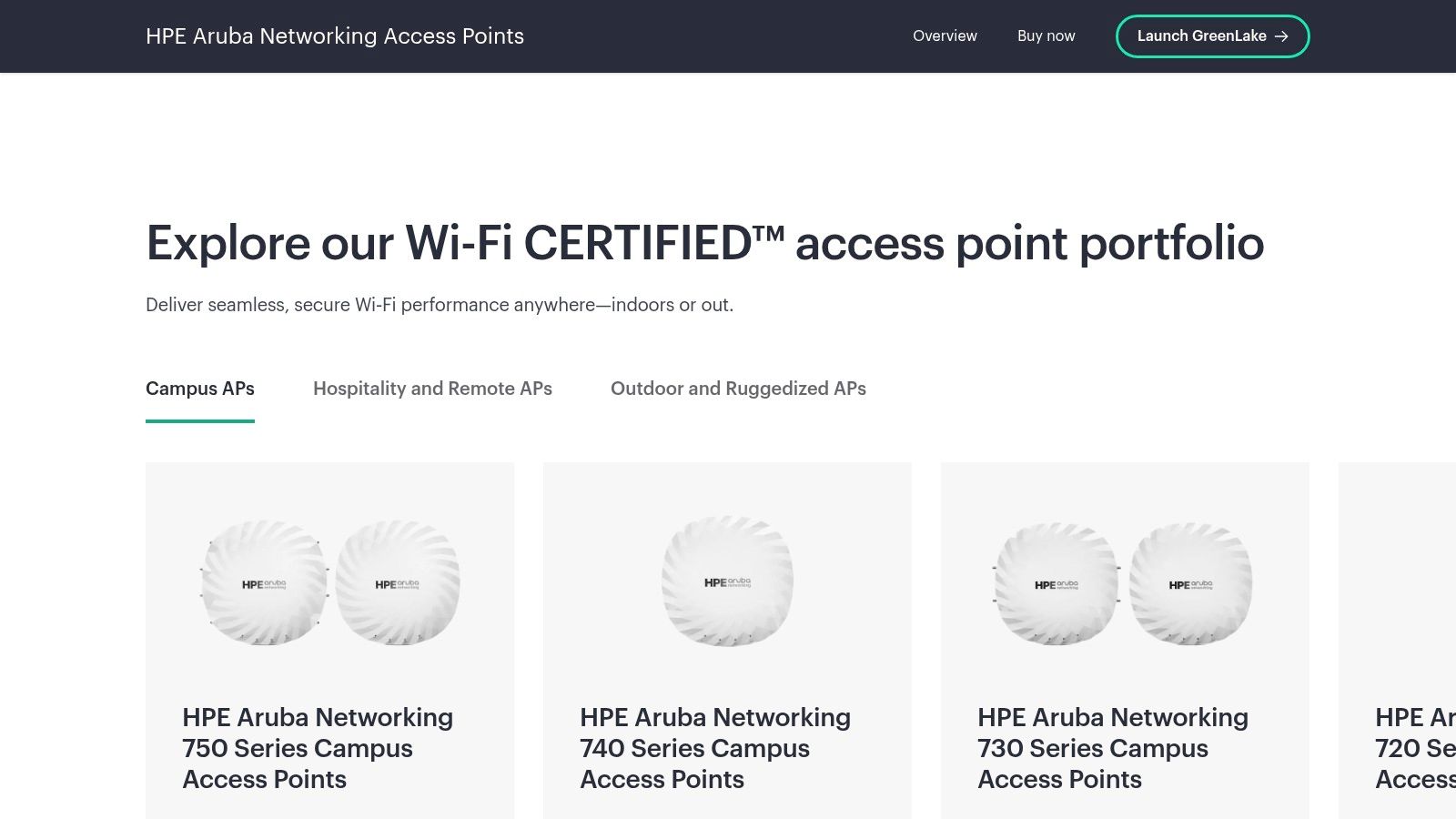
The HPE Aruba Networking access-point range includes campus, branch, and remote deployment options, with centralized management capabilities through Aruba Central. Choose the portfolio for its fit across locations and policies, not because it includes newer wireless generations.
Match the architecture to each location
Start with user groups and operational requirements. A healthcare administrator should evaluate clinical workflows and device isolation; a university team should examine roaming, guest onboarding, and changing occupancy.
For public-facing spaces, include Hotspot 2.0 and secure roaming requirements in the design discussion. Confirm support across the selected hardware, management platform, and authentication services.
- Best fit: Larger organizations that need varied access-point designs under a consistent administrative approach.
- Main advantage: A broad enterprise portfolio supports location-specific hardware selection.
- Main drawback: Product, management, subscription, and support choices require careful scope control.
Aruba is a strong recommendation when your team needs enterprise policy capabilities and has the resources to design them properly. It's less compelling when a simple office deployment becomes an unnecessarily elaborate architecture.
Ask the implementation partner to separate essential requirements from optional services. Require a clear ownership model for configuration, monitoring, incident response, and subscription renewals before approving the proposal.
4. RUCKUS Networks
Put RUCKUS on the shortlist when the physical venue is the difficult part. Hotels, education facilities, public venues, and challenging indoor or outdoor spaces need a radio design that reflects how people occupy the building.
The RUCKUS wireless access-point portfolio offers indoor and outdoor options, with management choices including RUCKUS One, SmartZone, Unleashed, and supported standalone configurations. Select the management platform alongside the hardware, because that decision affects administration and support.
Don't buy a venue-wide deployment from a coverage illustration alone. Test the difficult spaces with representative client devices and realistic occupancy.
A hotel corridor, conference room, and outdoor gathering area shouldn't be treated as interchangeable. Specify the intended client mix, roaming behavior, and peak usage for each space, then require the proposed design to demonstrate those workflows.
Where RUCKUS earns its place
- Strong fit: Hospitality, education, and public-facing venues with demanding density or radio conditions.
- Useful flexibility: Management options let designers match the deployment to different operational models.
- Buying friction: Partner-led model selection and pricing require a clearly defined scope.
Choose RUCKUS when radio engineering deserves specialist attention, not just because you want an enterprise brand. For a straightforward office, the available design and management choices may exceed what your team needs.
Request a proposal that identifies the selected platform, support responsibilities, and acceptance tests. Include guest isolation and operational-device connectivity in those tests, so successful internet access isn't mistaken for a complete business network.
5. Ubiquiti UniFi
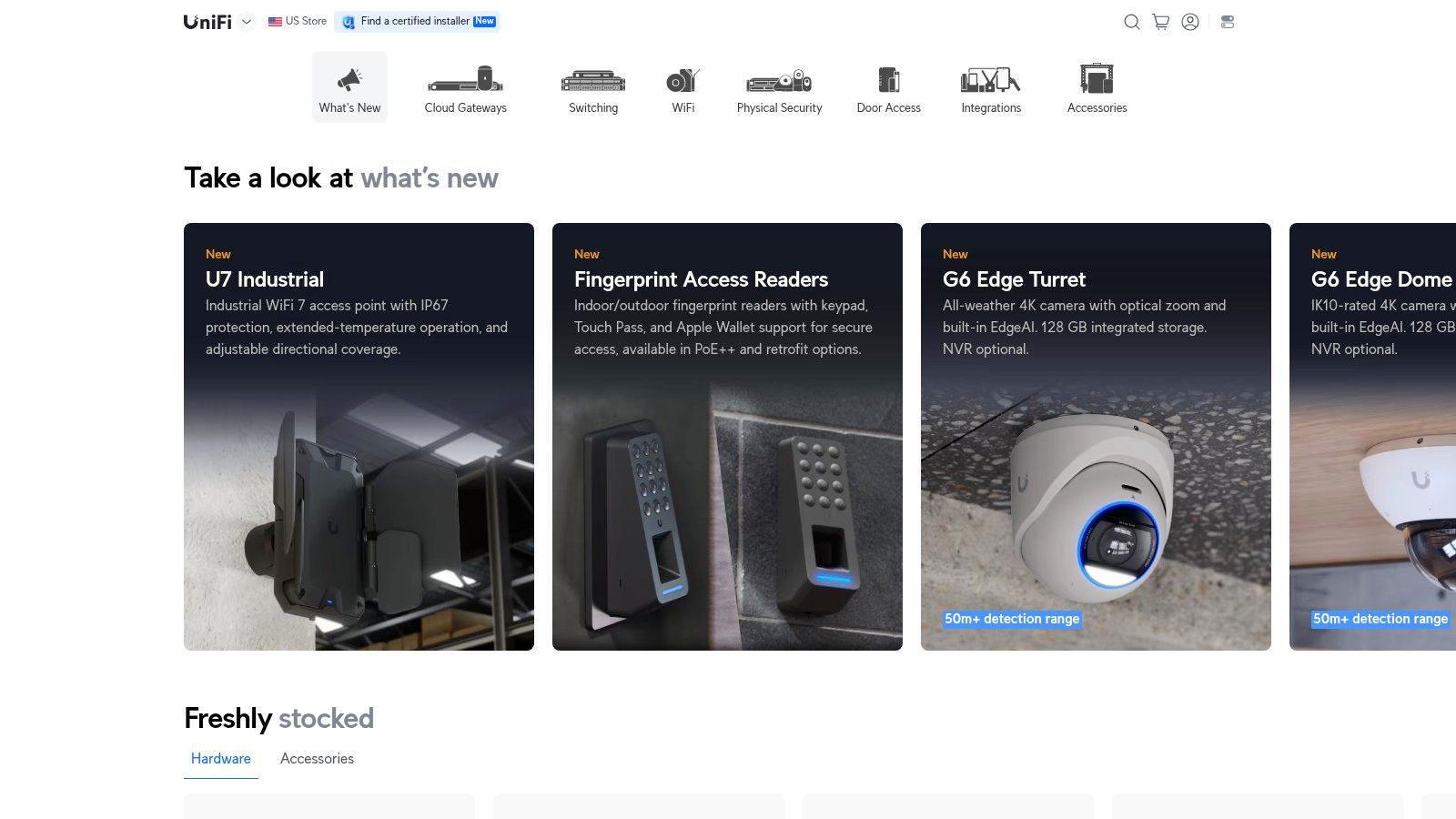
Visible hardware pricing makes early budgeting easier. UniFi is a practical choice for businesses that want directly purchasable access points and centralized management within a broader networking ecosystem.
The Ubiquiti UniFi wireless store lets buyers compare available models and published hardware prices. That's useful for offices, smaller hospitality properties, and businesses already operating UniFi switches or gateways.
Don't confuse a clear equipment price with a complete deployment budget. Your team still needs to account for power, switching, installation, monitoring, and the people responsible for support.
- Budget advantage: Direct-store pricing helps establish the equipment portion of a proposal.
- Operational fit: Centralized management is most useful when your team understands the surrounding ecosystem.
- Verification requirement: Check enterprise authentication, uplink, power, and resilience requirements against the exact model.
Assign support ownership before purchase
UniFi deserves a place among the best access points for business when buyers want accessible purchasing and a defined ecosystem. The decision becomes weaker if nobody owns firmware changes, configuration backups, incident response, or replacement stock.
Before ordering, ask your internal team or service provider to demonstrate the workflows you'll depend on. Include guest onboarding, employee access, VLAN assignment, and troubleshooting from a remote location.
My recommendation: Choose UniFi for a deliberately managed deployment, not as a substitute for network operations. Compare its complete installed and supported cost with the alternatives, then select the option your team can maintain confidently.
6. Juniper Mist
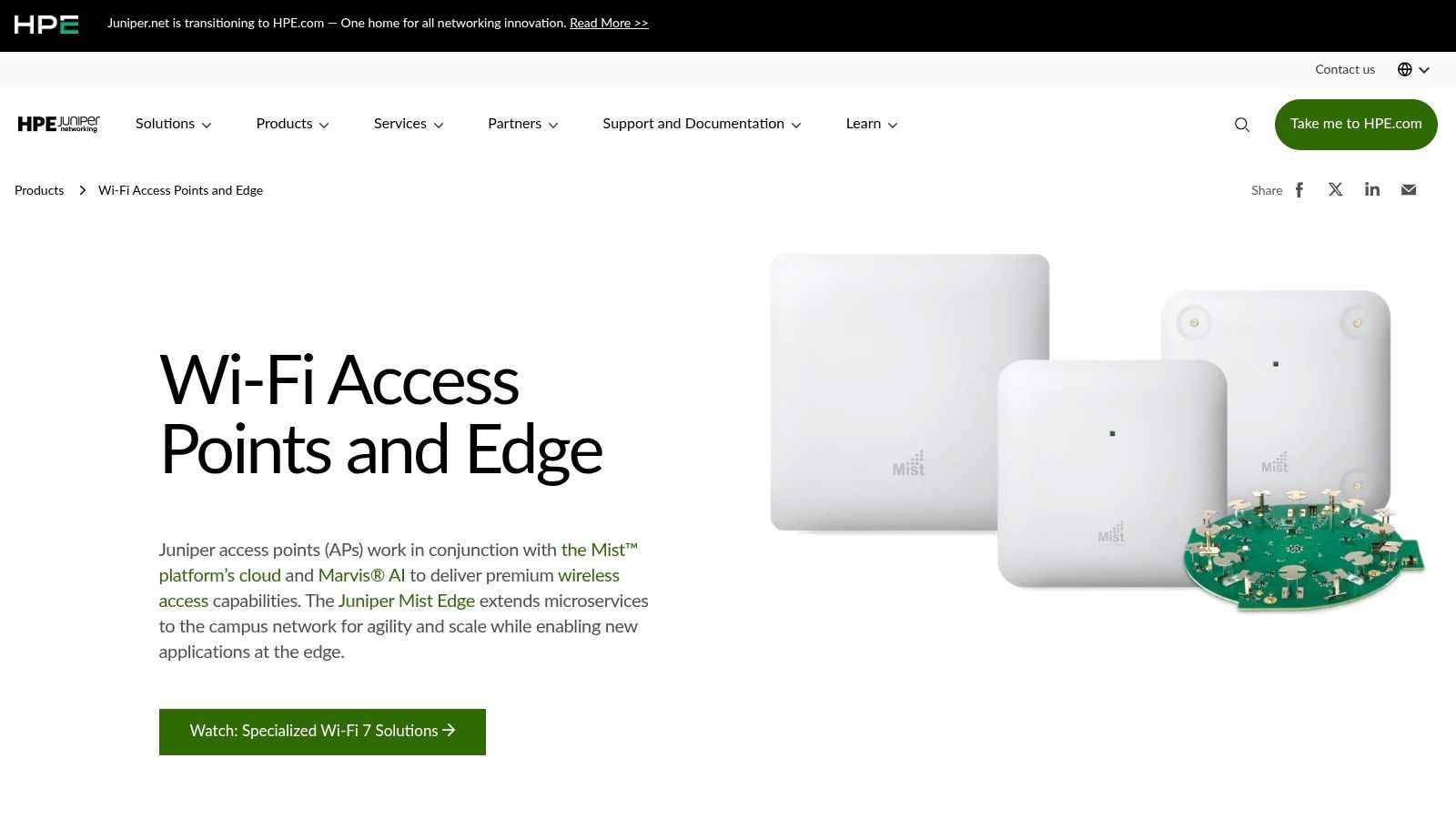
When users report intermittent connection problems, administrators need evidence, not just confirmation that an access point is online. Juniper Mist is the shortlist choice for teams prioritizing client-experience visibility and telemetry-led troubleshooting.
The Juniper access-point portfolio works with the Mist cloud platform and Marvis services. Indoor and outdoor hardware options, plus location capabilities on supported devices, make it relevant to campuses, healthcare environments, and larger venues.
Evaluate the troubleshooting workflow
Ask the vendor to demonstrate an investigation into a failed client connection. Your administrators should be able to distinguish an association problem from an authentication, addressing, or upstream connectivity issue using the proposed tools.
Operational test: Evaluate what an engineer can diagnose remotely, not just how much information appears on the dashboard.
Visibility doesn't replace access policy. Define network access control requirements separately, including identity sources, device handling, segmentation, and credential revocation.
- Primary benefit: Operational insights for teams responsible for troubleshooting user experience.
- Cost consideration: Include the required Wi-Fi Assurance subscription and relevant service bundles.
- Architecture consideration: Confirm that cloud management aligns with organizational requirements and failure procedures.
Choose Mist when your team will actively use its operational tooling. Don't pay for advanced visibility without assigning engineers to act on it.
Run a pilot around representative support incidents and normal administrative tasks. The purchasing decision should reflect whether your team can resolve problems more effectively, not whether the demonstration contains impressive dashboards.
7. TP-Link Omada
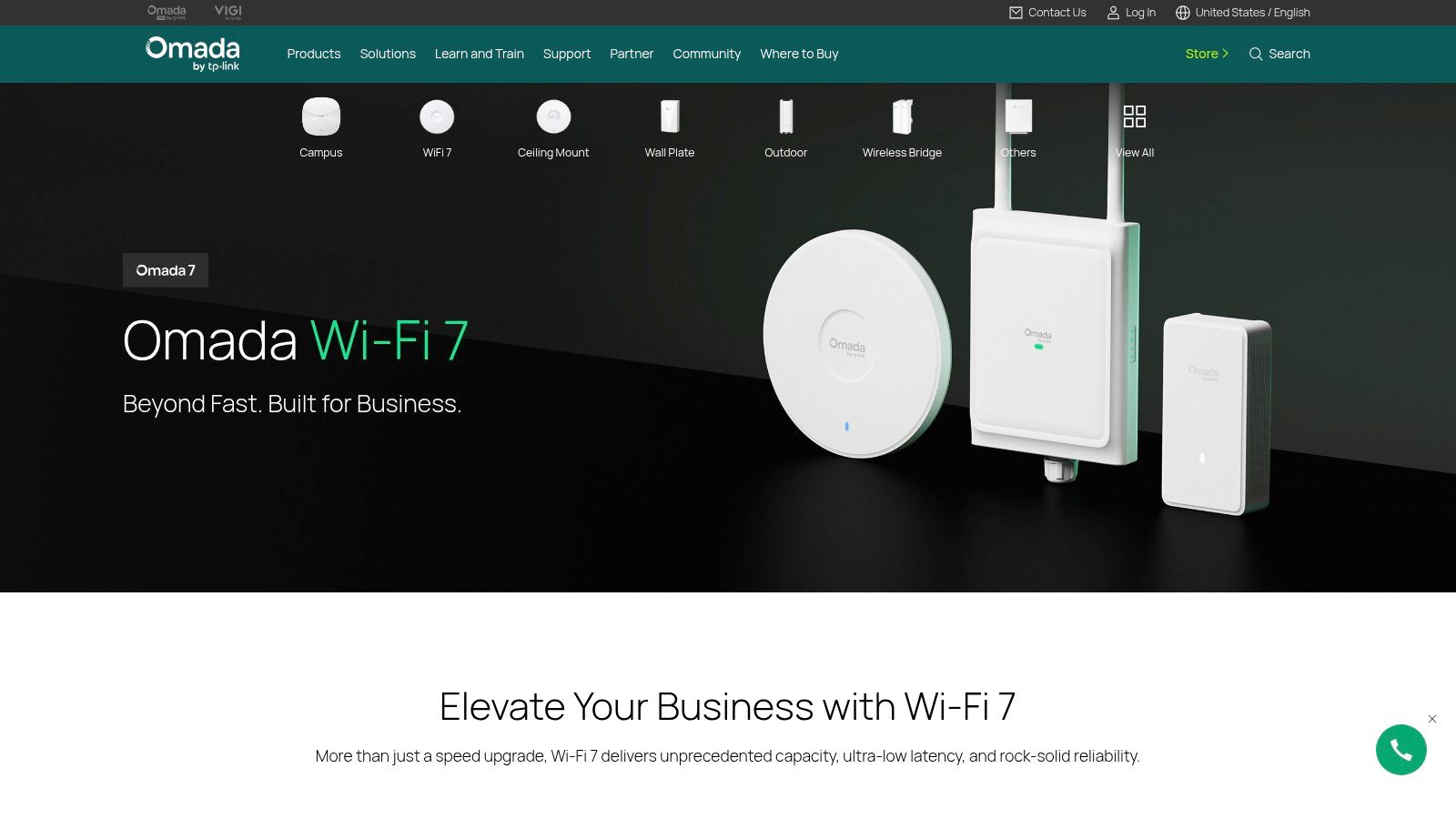
A wall-plate access point suits a different installation from a ceiling-mounted or outdoor unit. Omada is a practical shortlist option for businesses that need varied form factors and a choice of controller approaches.
The TP-Link Omada wireless range covers office, hospitality, education, retail, and outdoor deployment needs. Its SDN ecosystem supports centralized administration, while hardware, software, and cloud controller options give buyers different management arrangements.
Select the controller before scaling
Choose the controller model before standardizing hardware across properties. Establish who hosts it, who maintains it, what subscriptions apply, and how administrators recover from a failure.
- Venue fit: Ceiling, wall-plate, desktop, and outdoor designs support different installation requirements.
- Guest connectivity: Evaluate captive-portal and authentication features against the intended visitor experience.
- Expansion planning: Use supported mesh options selectively where cabling is difficult, rather than assuming wireless backhaul will meet every capacity requirement.
Omada's appeal is flexibility, but your team must verify the specific access-point and controller combination. Don't assume that every model supports the same authentication, VLAN, management, or availability requirements.
Choose Omada for a clearly scoped business deployment with explicit support ownership. For larger estates, require the supplier to validate management scale, recovery procedures, and the exact feature set before purchase.
Pilot the most demanding location rather than the easiest office. Include operational devices and guest traffic together, and compare wired and wireless backhaul arrangements wherever both are under consideration.
Best Business Access Points: 7-Brand Comparison
| Solution | 🔄 Implementation complexity | ⚡ Resource and cost profile | 📊 Expected outcome | ⭐ Ideal use and key advantage |
|---|---|---|---|---|
| Purple Access | Moderate: cloud overlay on compatible access points; migration and identity setup required. | Per-access-point annual pricing; exact paid-plan prices require a quote. | Can reduce SSID complexity and airtime use while enabling identity-based network separation. | Venues needing guest, staff, and device access controls; supports certificates, captive portals, and individually revocable device keys. |
| Cisco Meraki | Low to moderate: centralized cloud configuration, especially straightforward in an existing Meraki environment. | Hardware and ongoing licensing typically require a partner quote. | Simplifies configuration and monitoring across multiple sites. | Multi-site businesses already using Meraki; broad, integrated networking ecosystem. |
| HPE Aruba Networking | Moderate to high: broad portfolio and management choices can require careful design. | Hardware, subscriptions, and support may require a partner quote. | Enables centralized administration and policy controls across varied deployments. | Campuses, branches, and larger organizations needing a broad enterprise portfolio, including Wi-Fi 7 options. |
| RUCKUS Networks | Moderate to high: model and management-platform selection may need specialist input. | Typically partner-priced; advanced capabilities may add cost. | Offers options for dense deployments and challenging radio conditions. | Hotels, education, and public venues; flexible management choices and indoor/outdoor models. |
| Ubiquiti UniFi | Low to moderate: centralized management is most seamless within the UniFi ecosystem. | Many hardware prices are published; PoE, switching, installation, and support are additional. | Makes hardware budgeting more accessible across small to higher-demand deployments. | Businesses seeking directly purchasable equipment, particularly those already using UniFi networking products. |
| Juniper Mist | Moderate: cloud-managed setup and subscription planning are required. | Wi-Fi Assurance subscription is required; include subscription terms in long-term estimates. | Provides telemetry, client-experience visibility, and troubleshooting insights. | Campuses, healthcare, and large venues seeking operational insights or supported location and IoT features. |
| TP-Link Omada | Low to moderate: choose among hardware, software, or cloud controller management. | Cloud controller use may require a subscription; costs vary by setup. | Supports centralized management, guest access, and varied coverage layouts. | Offices, hospitality, retail, and education; broad form factors and flexible controller options. |
Build for the Network You Will Run
Choose the platform that matches the venue, expected client density, management capacity, and identity requirements before comparing individual models. The right purchase is the network your team can operate consistently, not the access point with the highest advertised speed.
Purple Access is the most relevant platform-led option when you need to unify guest, staff, resident, and device connectivity over compatible existing hardware. Meraki and Aruba are strong contenders for broader enterprise networking; UniFi and Omada suit accessible ecosystem purchasing; RUCKUS deserves attention for demanding radio environments; and Juniper Mist fits telemetry-led operations.
Make the pilot determine the purchase
Validate the proposed design in the actual space with representative clients. Test coverage, roaming, authentication, isolation, and operational workflows under realistic occupancy, including areas where users already report problems.
- Infrastructure: Include PoE capacity, switching, cabling, uplinks, and installation.
- Operations: Include controllers, subscriptions, monitoring, support, and replacement procedures.
- Identity: Test onboarding, directory integration, VLAN assignment, revocation, and audit requirements.
- Failure behavior: Document what happens when connectivity, authentication services, or management systems become unavailable.
Treat wireless-generation upgrades as infrastructure decisions, not automatic replacements. Enterprise wireless trial results support the value of newer capabilities under tested conditions, but deployment benefits depend on compatible clients, available spectrum, channel planning, and backhaul.
Request a complete lifecycle proposal rather than an equipment-only quote. Specify who owns configuration, firmware, incident response, renewals, and acceptance testing, then reject proposals that leave those responsibilities unclear.
Approve the rollout only after your own team can demonstrate the required workflows and support procedures. If the existing radios pass capacity and coverage tests, prioritize the access-control and management changes that solve the actual problem.
Purple Access provides identity-led guest, staff, and device connectivity over compatible existing business access points. Visit Purple Access to discuss hardware compatibility, authentication requirements, and a pilot that tests your access policies before a wider rollout.