10 Guest WiFi Solutions Compared: A Practical Buyer's Guide
Published
A better access point won't fix a guest network that visitors can't join. More surprisingly, upgrading the hardware can introduce another compatibility problem: Cisco's deployment guidance says open, unencrypted SSIDs aren't permitted on the 6 GHz band, so an existing open guest service can't move there unchanged (Cisco's 6 GHz deployment guidance).
The quieter failures happen before anyone checks radio performance. Staff hand out shared passwords on sticky notes, visitors abandon captive portals they can't finish, and marketing teams add mandatory fields without testing whether guests can get online. A portal can look polished in a demo and still become an obstacle at a busy reception desk.
Buy guest WiFi solutions around the problem you need to remove, not the longest feature list. SSID sprawl needs identity and policy controls. Hotel onboarding needs reliable property management system integration. WiFi marketing needs a usable sign-in flow and defensible data handling, not just another contact database.
Practical rule: Test the complete connection journey, including failed authentication and access revocation, before judging the dashboard.
The same distinction applies when connectivity supports physical access. A Wi-Fi vs LTE gate security comparison belongs in the wider discussion of connectivity dependencies, not as a substitute for testing guest-network design.
The options below span captive portals, Passpoint and OpenRoaming, cloud authentication, hospitality integrations, and engagement platforms. Their pricing models matter, but so does what remains your responsibility after the contract is signed.
Table of Contents
- 1. Purple Access
- 2. Cloud4Wi
- 3. Cloudi-Fi
- 4. IronWiFi
- 5. Spotipo
- 6. Aislelabs Connect
- 7. ElevenOS
- 8. Nomadix Captive Portal
- 9. Beambox
- 10. Adentro
- Top 10 Guest Wi-Fi Solutions Comparison
- Match the Tool to the Problem, Not the Feature List
1. Purple Access
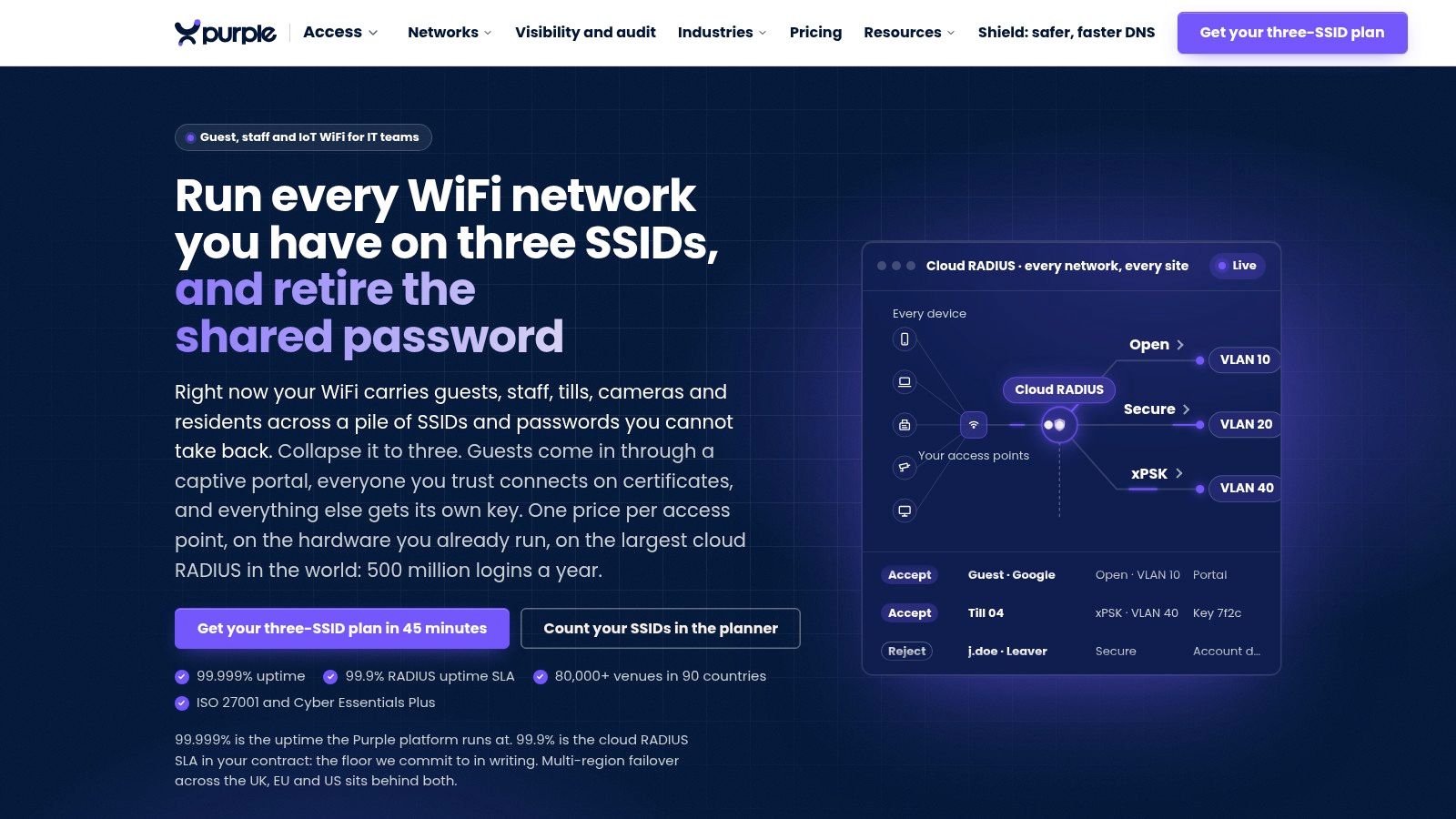
Best for multi-site operators dealing with SSID sprawl, shared passwords, and inconsistent access policies. Purple Access approaches guest connectivity as part of the network's identity architecture rather than treating the captive portal as a standalone destination.
Its design separates open guest and BYOD access, secure access for trusted users, and xPSK access for devices, residents, or tenants. Cloud RADIUS maps connections to the appropriate VLAN, while certificate-based access through MDM gives managed staff devices a different onboarding path from visitors.
That distinction matters when the estate includes laptops, payment equipment, resident devices, and equipment that can't use certificates. Individual xPSK credentials allow targeted policy changes and revocation without replacing a password shared across unrelated users.
Where the architecture earns its keep
Purple combines branded portals, SSO, SMS and social sign-in, hotel PMS checks, and consent capture with Passpoint and OpenRoaming. The operational benefit is having different access paths under a common policy model, rather than forcing every device through the same browser workflow.
- Network control: Identity-based VLAN assignment, certificate access, and individual keys address different trust levels.
- Existing infrastructure: The platform operates as an overlay on compatible access points, with directory, MDM, PMS, and audit integrations.
- Commercial model: Paid capabilities use per-access-point licensing rather than per-device or per-authentication charging. Request an itemized quote for the required combination.
The trade-off is implementation work. Consolidating SSIDs still means validating controller capabilities, VLAN handling, certificate delivery, and what happens when authentication services are unavailable.
Purple's guide to network access control solutions is useful context for distinguishing visitor onboarding from broader network authorization. For a proof of concept, test a managed employee device, an unmanaged visitor phone, and a non-browser device, then revoke each independently.
Choose Purple when the underlying problem is access governance across an estate. Don't expect a portal deployment alone to repair inconsistent switching, firewall, or identity policies.
2. Cloud4Wi
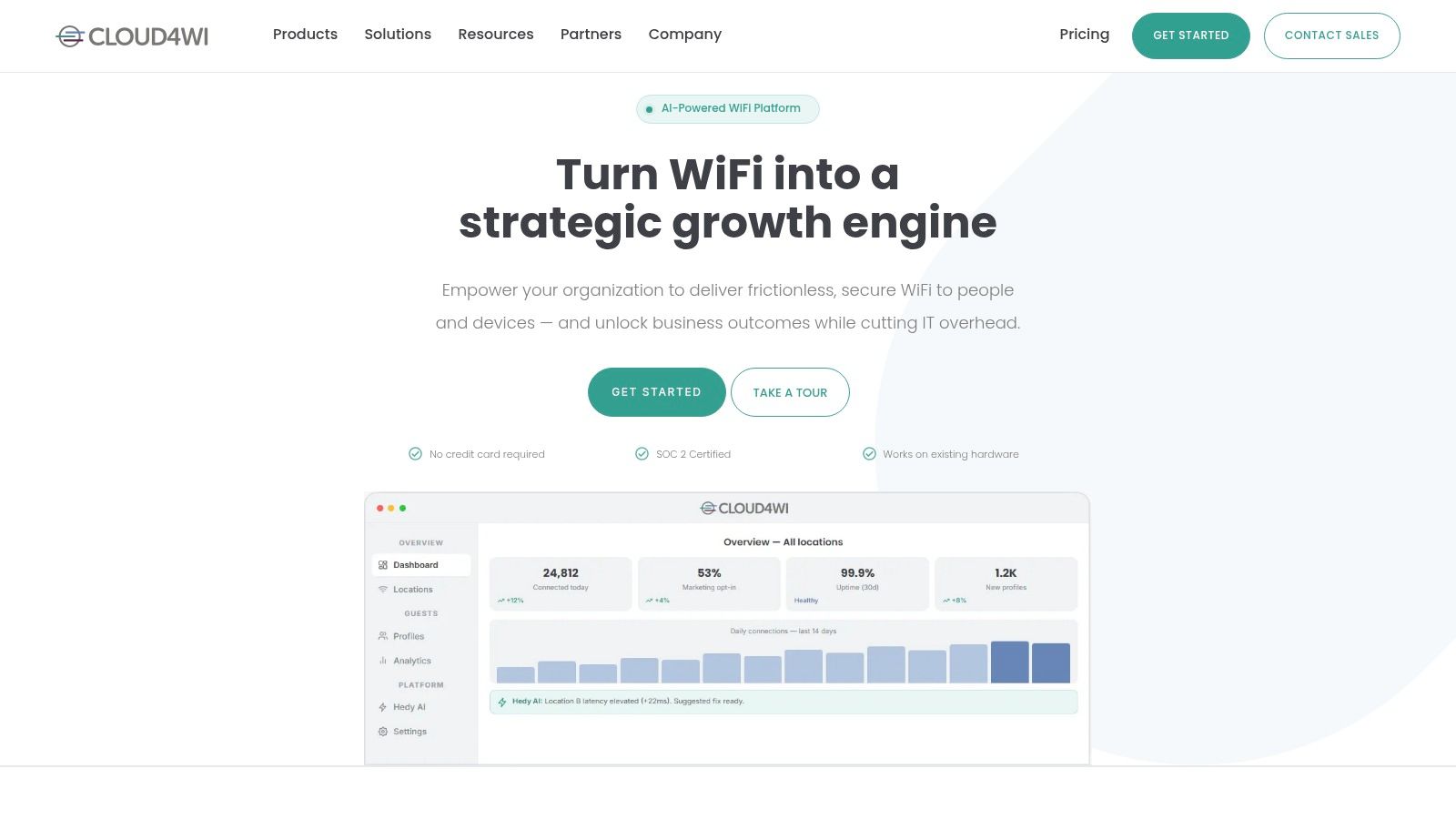
A Passpoint checkbox in a proposal doesn't establish which devices can enroll, which identities are accepted, or where those credentials will work. That is the Cloud4Wi question: automatic return access sounds attractive until roaming, identity sources, and unmanaged devices have to survive contact with your estate. The buying mistake is treating Passpoint as a portal feature when it is an enrollment and credential decision.
Cloud4Wi is positioned as an overlay rather than a rip-and-replace portal, combining branded guest access with Passpoint, OpenRoaming, consent controls, and wider access-management options such as MDU connectivity and cloud network access control. The problem it solves is platform sprawl: one venue needs visitor WiFi, another needs residential or tenant access, and identity-led access is already on the roadmap.
Run the proof as an integration test. Bring a returning visitor, a fresh device with no profile, and one failed authentication, then watch what the controller, cloud service, help desk, and fallback portal each do.
It can be more platform than a small café needs. For an enterprise trying to avoid separate products for guest, residential, and identity-led access, confirm which subscription covers access, roaming, and integrations before the proposal turns into three invoices.
3. Cloudi-Fi
Policy drift is the Cloudi-Fi use case. Cloudi-Fi targets centralized guest access across multiple locations, including estates with mixed network equipment.
A central dashboard is useful only if the network equipment actually enforces the policy shown in it.
Its portal choices cover branded pages, email, SMS, social, and sponsored access, plus consent, logging, retention controls, and enterprise integrations. That breadth matters when local teams have built different habits and central IT needs one operating model.
Test the boring failure modes: one venue keeps visitor logs too long, another sponsors contractors through a spreadsheet, a third lets local staff edit splash settings. Have the vendor apply one approved policy across your controller families, then show administrator permissions, exception reports, log exports, deletion workflows, and how a front-desk sponsor request is recorded.
The trade-off is scope. Expect more technical and organizational work before rollout than a portal-only tool, and get pricing that separates sites, authentication services, integrations, and support responsibilities.
Payment-adjacent sites need a second test. Keep portal evaluation separate from network-boundary validation; this guide to PCI compliance and WiFi gives context, while your segmentation still has to be proven.
Shortlist Cloudi-Fi when inconsistent administration across locations is the pain to remove.
4. IronWiFi
Visitor onboarding and staff authentication usually arrive as two separate purchases. IronWiFi is the option to price when one team wants a captive portal and cloud RADIUS from the same supplier.
The quote is where buyers slip. Take a site with 40 access points and 300 staff accounts: guest access bills per AP while employee networking bills per user, so a blended headline number hides two scaling curves that move differently as the estate grows. Price each line on its own, and ask about venue minimums before assuming a small or spread-out deployment comes in cheap.
Shared supplier, separate credentials. Combining the purchase does not mean guests and staff should share network permissions or recovery procedures.
On the guest side, portal workflows cover email, social, SMS, vouchers, click-through, and paid access; Passpoint and OpenRoaming add further ways on for visitors. Staff access runs on enterprise authentication. Keep marketing expectations in check: validate any advanced campaign or visit-attribution requirement instead of assuming a flexible portal includes it.
Test the two audiences as separate workstreams. Staff testing belongs around credential lifecycle and revocation; visitor testing belongs around portal discovery, a failed login, and session recovery.
One support question matters more than the feature list: when an authentication fails, can the provider show whether the cause was controller configuration, identity rejection, or authorization? Without that visibility, the same ticket bounces between suppliers.
IronWiFi earns a shortlist place when authentication drives the purchase and marketing is secondary.
5. Spotipo
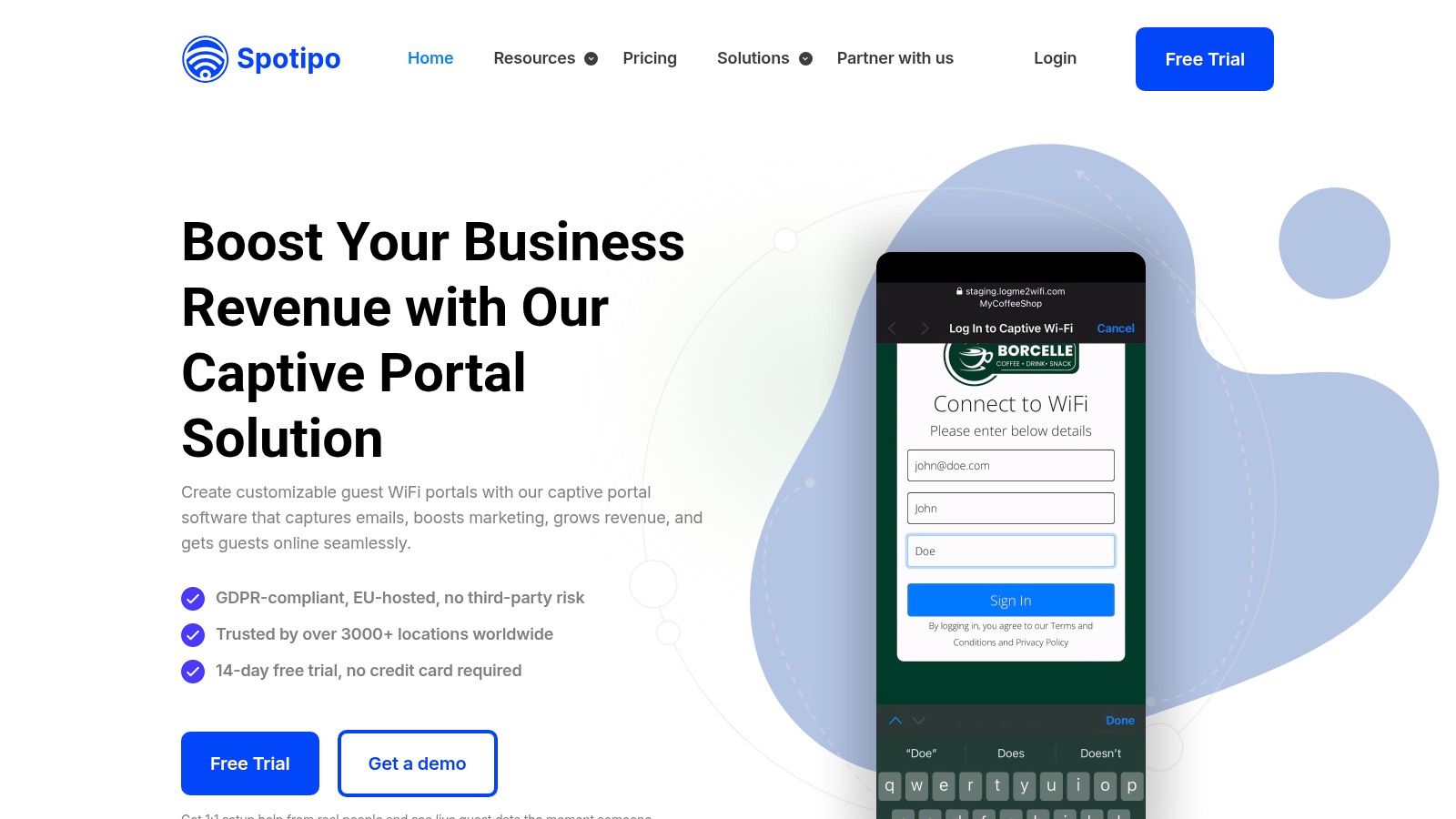
The plan terms matter more than the portal mockup.
Spotipo fits venues that want a branded captive portal with contact capture, social sign-in, vouchers, paid access, and multi-site administration without turning guest WiFi into an identity project. A café group can keep sign-in light; an MSP can give each customer or location its own portal and permissions. Password and terms-only options are useful for conference days, while contact capture is the tax paid for CRM growth.
The buying risk is allowance math during a peak. Plans separate guest usage from feature access, so ask how unique guests are counted, whether the counter resets by site or account, and what the portal does when the included allowance is exhausted mid-event: block new devices, bypass the splash page, queue logins, or keep serving while billing overage. Test that edge before launch.
Keep the data path narrow. Confirm Mailchimp, HubSpot, Klaviyo, or Zapier sync carries consent status, handles duplicates, and honors unsubscribe or deletion requests downstream. If certificate onboarding or identity-based segmentation is the goal, score that separately; a polished marketing portal is not proof of network control.
6. Aislelabs Connect
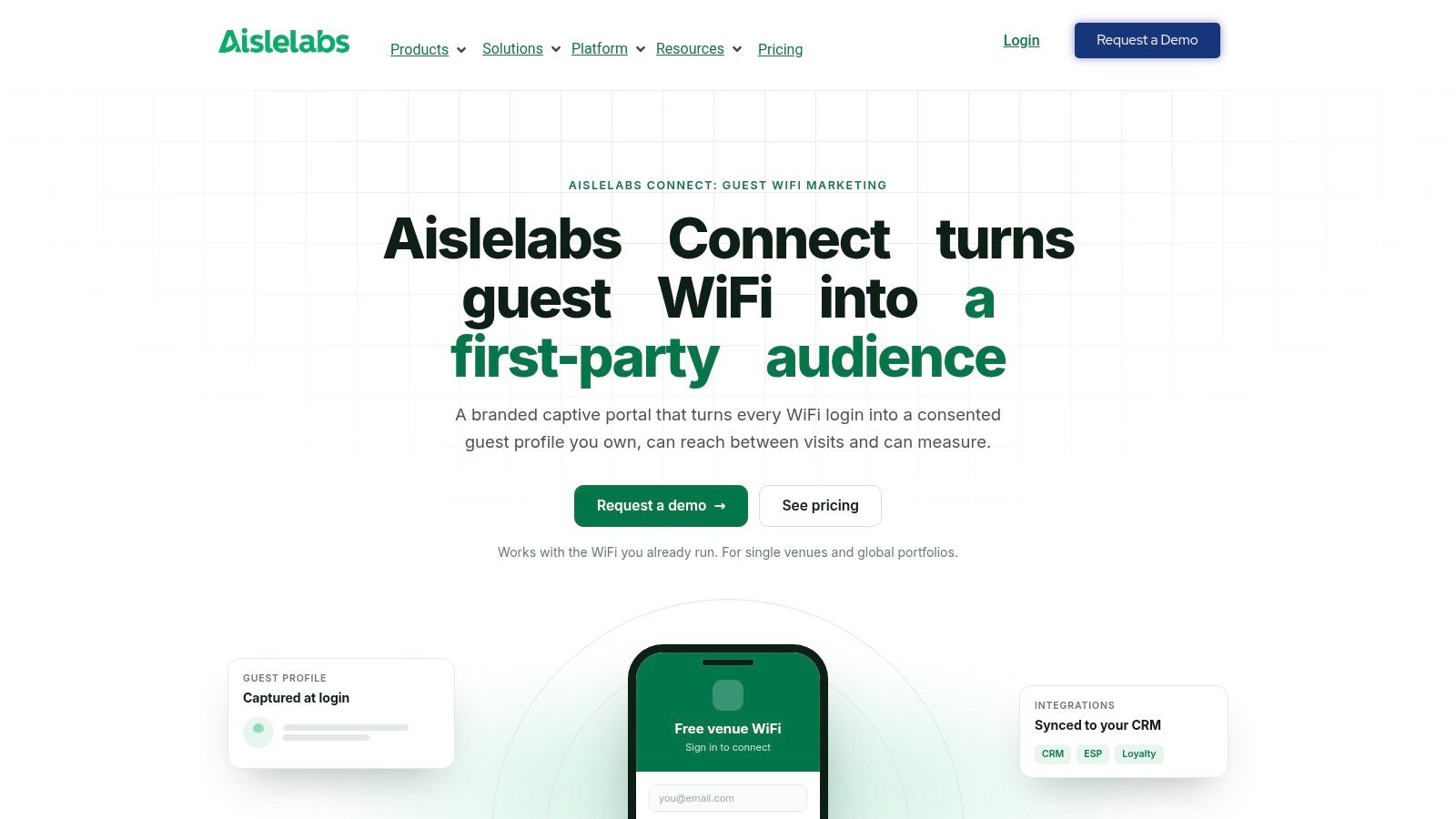
Aislelabs Connect is most relevant when guest access feeds a wider visitor-engagement program. It combines branded onboarding and consented profile capture, with the option to sit alongside Aislelabs analytics and marketing products.
Aislelabs Connect supports workflows such as email, social, SMS, vouchers, forms, and hotel room or folio sign-in. Passpoint gives returning guests another access path, while CRM and email-platform connections support downstream engagement.
The difficult part is deciding which data the venue needs. A field being available in the portal builder doesn't establish a reason to collect it.
A 2025 study of 55 German public WiFi hotspots found continuing high-risk captive-portal practices and GDPR violations, including excessive personal-data collection. That's a reason to examine the complete data workflow, not to treat a consent checkbox as approval for every use.
Keep access and engagement distinguishable
- Access requirement: Identify what's necessary to deliver the internet service.
- Optional engagement: Make marketing choices explicit and review the wording with the appropriate privacy owner.
- Lifecycle requirement: Test retention, deletion, exports, and connected-platform behavior.
Aislelabs is a credible category fit for shopping centres, hospitality, and other visitor-focused venues. Obtain a scoped quote and establish which capabilities belong to Connect versus adjacent products.
If your primary problem is staff authentication or network segmentation, don't let visitor analytics dominate the evaluation. Those network controls still need their own acceptance tests.
7. ElevenOS
At a hotel, the guest may ask the front desk for help long before IT sees a ticket. ElevenOS is worth considering when that operational reality matters more than building another custom portal.
ElevenOS focuses on hospitality and multi-property connectivity, with applications across other property environments. Its capabilities include centralized brand management, guest portals, access codes, tiered internet plans, conference connectivity, and property or loyalty integrations.
The useful distinction is between having a PMS connector and supporting the hotel's actual workflow. Room changes, extended stays, mismatched names, and unavailable upstream systems all belong in the demonstration.
Test with the people who'll support guests
Bring front-desk staff into the evaluation. Ask them to resolve a failed room lookup, issue an access code, and identify whether the problem needs escalation.
- Hospitality strength: Property, loyalty, guest-access, and conference workflows sit within the same operational scope.
- Multi-property value: Central management is relevant where brands work with varied equipment and service providers.
- Trade-off: The platform's breadth may be unnecessary for a venue that only needs basic complimentary access.
Request a quote that explains property-level licensing, integrations, implementation, and support handoffs. Be explicit about who owns the incident when the PMS accepts a guest but the network doesn't.
ElevenOS fits buyers who need connectivity operations to work across hotel departments. It is less compelling if the requirement is a branded terms-acceptance page.
8. Nomadix Captive Portal
Some guest-network purchases are really gateway purchases with a portal attached. Nomadix Captive Portal deserves attention when hospitality or public-internet access also requires local bandwidth management, firewall capabilities, or gateway resilience.
The portal provides branded, multilingual onboarding and multiple authentication options within a broader network-services portfolio. The procurement task is to establish which functions run in the cloud and which depend on equipment at the venue.
That boundary affects installation, support, replacement procedures, and outage behavior. Don't accept a single architecture diagram without walking through the failure paths.
Deployment test: Disconnect a dependency deliberately and verify what new guests, connected guests, and support staff can still do.
Distinguish the portal from the gateway
- Confirm hardware: Identify mandatory appliances, optional components, and compatibility with the existing WLAN.
- Confirm enforcement: Establish where bandwidth policies and firewall rules are applied.
- Confirm recovery: Ask how configuration restoration, equipment failure, and cloud unavailability are handled.
For automatic onboarding requirements, use the concepts in this Hotspot 2.0 guide to frame questions about profiles and authentication. Don't assume a captive-portal purchase automatically includes the roaming architecture you want.
Nomadix is a category fit when the venue needs guest onboarding alongside on-site network functions. Obtain a complete hardware, software, and support quote rather than comparing its portal component alone with a cloud-only subscription.
9. Beambox
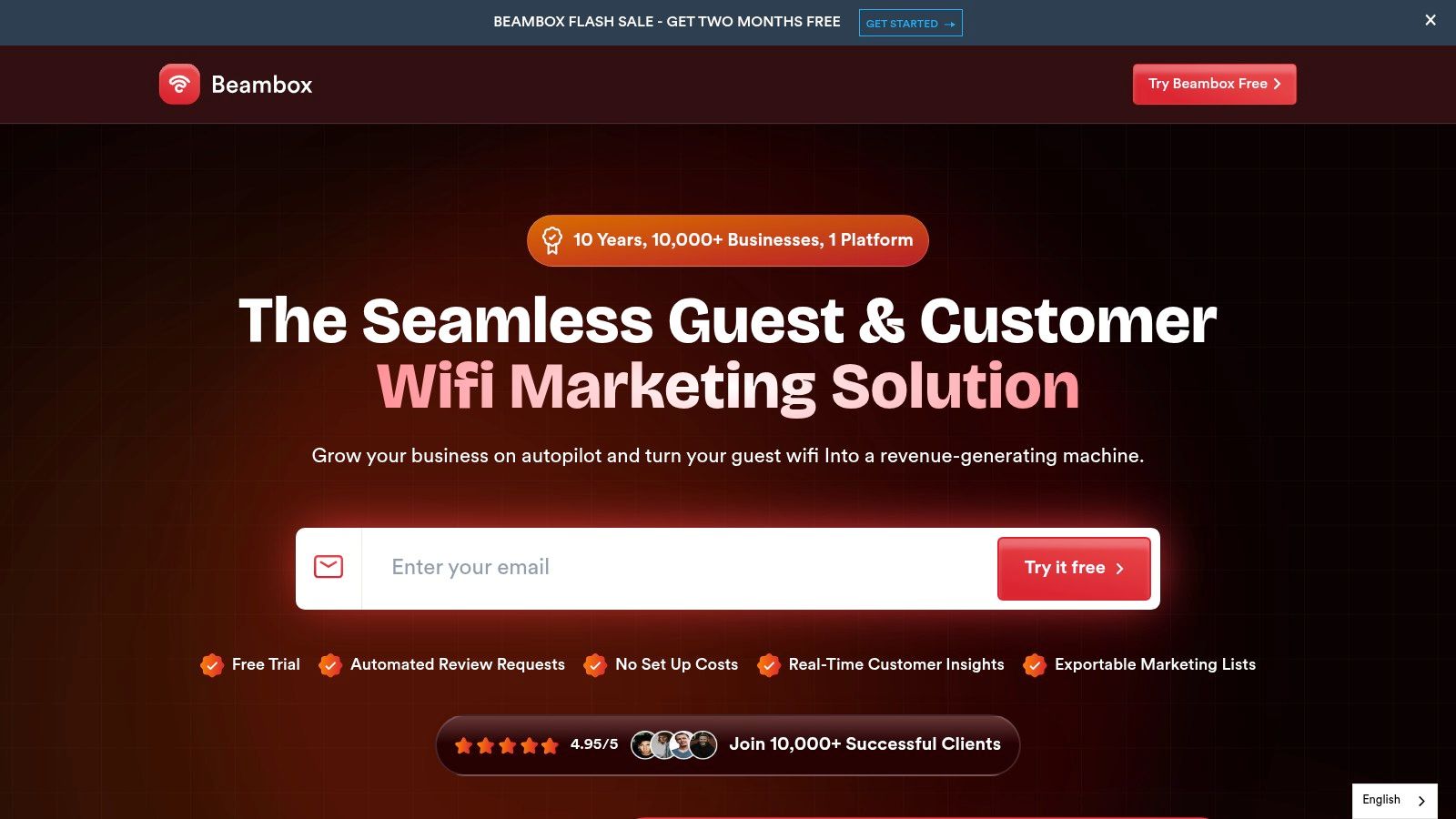
Beambox is for operators who want guest WiFi to support customer engagement. Its focus is branded sign-in, guest profiles, campaigns, and review-management workflows for customer-facing venues.
Beambox combines guest-data capture with segmentation, email campaigns, and automated messaging. It offers existing-hardware integration as well as an access-point option, so the installation approach should be part of the buying discussion.
For a restaurant or independent hotel, an integrated workflow can be more practical than maintaining separate portal and campaign tools. The limit is that a convenient marketing interface doesn't answer the network team's questions about authentication and segmentation.
Judge the customer journey and the network separately
Run a guest through sign-in, consent selection, campaign receipt, unsubscribe, and deletion. Then inspect the network permissions granted to that same device.
- Marketing fit: Guest profiles and messaging are central to the proposition.
- Plan check: Verify which subscription includes review management and other required engagement features.
- Cost check: Ask how locations and database size affect the ongoing bill.
Don't make joining WiFi dependent on a complicated engagement journey because the platform supports one. Keep the access flow short, and let the marketing team explain why each requested field is necessary.
Beambox belongs on a shortlist led by customer retention and venue operations. Buyers prioritizing managed-device certificates, identity-based VLANs, or complex access policies should validate those requirements explicitly rather than infer them from the portal.
10. Adentro
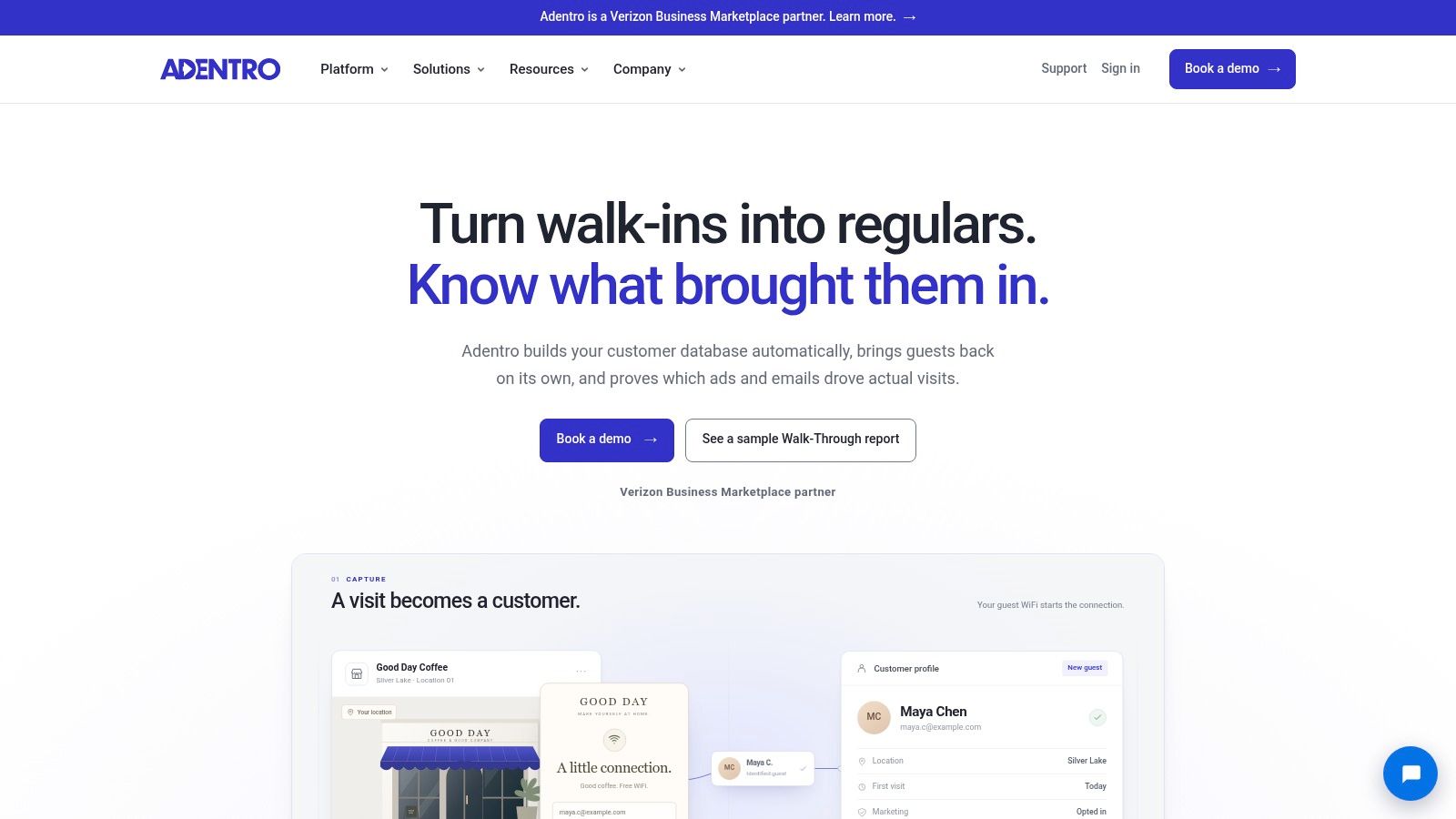
A marketing team asking which campaigns bring visitors back is buying something different from an IT team replacing shared passwords. Adentro addresses the customer-data and marketing side of guest WiFi.
Adentro focuses on guest profiles, audiences based on visit behavior, email and paid-media activation, and return-visit reporting. Its integration proposition includes existing WiFi infrastructure and selected POS, loyalty, and email platforms.
The appropriate evaluation therefore includes marketing operations and privacy stakeholders alongside network administrators. IT still needs to approve the connectivity architecture, but it shouldn't be left to define campaign attribution rules.
Ask what a reported return visit means
Have the vendor explain how it associates a guest profile, campaign exposure, and a subsequent visit. Establish the limitations before anyone treats the dashboard as proof that an advertisement caused a purchase.
- Primary strength: Connecting guest WiFi data with retention and advertising workflows.
- Integration test: Confirm your exact WiFi, POS, loyalty, and email systems rather than relying on broad compatibility statements.
- Commercial question: Request a quote covering activation, integrations, reporting, and support.
Privacy review should include collection, audience creation, exports, retention, and deletion across connected systems. Network review should separately confirm guest isolation and the permissions required by the integration.
Adentro fits a business with a defined marketing objective and people responsible for acting on the resulting audiences. It isn't a substitute for a general-purpose access-control platform when the main problem is credentials, device onboarding, or segmentation.
Top 10 Guest Wi-Fi Solutions Comparison
| Platform | Core Capabilities | Network & Security | Best-Fit Audience | Pricing & Standout Value |
|---|---|---|---|---|
| 🏆 Purple Access | Three identity-led SSIDs; guest onboarding; Passpoint/OpenRoaming | ★ Cloud RADIUS, VLAN assignment, EAP-TLS, unique xPSK keys, audit logs | 👥 Multi-site venues needing guest, staff, resident, and device access | 💰 Per access point/year; rates by quote. ✨ Existing-AP overlay, multi-region failover |
| Cloud4Wi | Branded portals, guest data capture, Passpoint/OpenRoaming | Guest access plus MDU WiFi and cloud NAC | 👥 Venues seeking guest WiFi within a broader access platform | 💰 From $200/month; 30-day trial |
| Cloudi-Fi | Centralized portals, consent, logs, and analytics | ★ Guest policies across mixed infrastructure; BYOD, IoT, and cloud 802.1X | 👥 Multi-site organizations focused on IT governance and compliance | 💰 Quote required. ✨ Broad onboarding and policy workflows |
| IronWiFi | Captive portals, vouchers, paid access, Passpoint/OpenRoaming | ★ Cloud RADIUS and WPA-Enterprise for staff | 👥 Organizations combining visitor and employee WiFi | 💰 Guest plans from $13/AP/month; $65/month venue minimum |
| Spotipo | Guest-data capture, vouchers, CRM syncing, multi-location management | Guest access controls; verify advanced segmentation needs | 👥 Smaller venues and service providers seeking WiFi marketing | 💰 From $59/location/month, or $49 annually; guest limits apply |
| Aislelabs Connect | Branded portals, consent capture, CRM syncing, Passpoint | Guest access; assess separately for staff authentication and segmentation | 👥 Malls, airports, hotels, and other physical venues | 💰 Quote required. ✨ Can pair with visitor analytics and marketing |
| ElevenOS | Managed guest WiFi, access codes, tiered plans, property integrations | Centralized multi-property management; supports varied hardware | 👥 Hospitality, multifamily, student housing, and cruise operators | 💰 Quote required. ✨ Front-desk tools for routine guest access |
| Nomadix Captive Portal | Multilingual portals, multiple sign-in options, gateway services | Gateway options for bandwidth management, firewall, and high availability | 👥 Hospitality and public-internet deployments | 💰 Quote required. ✨ Portal paired with gateway capabilities |
| Beambox | Branded WiFi, guest profiles, campaigns, review management | Validate security and segmentation for network requirements | 👥 Cafés, restaurants, bars, retail, and hotels | 💰 From $40/month billed annually. ✨ WiFi marketing in one product |
| Adentro | Guest profiles, audience segmentation, campaigns, visit reporting | Marketing-focused; not a general-purpose access-control platform | 👥 Physical businesses focused on retention and advertising | 💰 Quote/demo. ✨ Connects WiFi data to campaign and return-visit reporting |
Match the Tool to the Problem, Not the Feature List
Start with the incident you want to stop receiving. A leaked staff password, a failed room lookup, a visitor stuck at sign-in, and a campaign without usable audience data are different problems. Buying the same category of software for all of them invites disappointment.
For multi-site network-level control, prioritize Purple Access. Its identity-led approach is relevant when guests, managed staff, residents, and non-browser devices need different credentials and permissions. Cloudi-Fi also deserves consideration when central governance across mixed infrastructure is the main requirement.
For an overlay that combines onboarding with broader authentication, evaluate Cloud4Wi and IronWiFi against your existing controllers and identity services. For hospitality operations, compare ElevenOS and Nomadix, paying particular attention to property workflows, gateways, and support ownership.
Separate the decision into operational priorities
- Shared passwords and segmentation: Test credential issuance, VLAN assignment, revocation, and audit visibility.
- Onboarding friction: Compare the first visit, return visit, and fallback experience, not just the portal design.
- Hospitality integration: Validate real PMS and front-desk workflows, including unavailable dependencies.
- WiFi marketing: Compare Beambox, Adentro, Spotipo, and Aislelabs Connect around consent, integrations, campaign operations, and data lifecycle.
Passpoint and OpenRoaming deserve architectural attention rather than a feature-list tick. The Wireless Broadband Alliance's cross-industry report found that 62% of respondents had implemented them or planned implementation by the end of 2023. For your deployment, establish the identity provider, accepted credentials, participating networks, and unmanaged-device fallback.
Also include equipment that can't complete a browser workflow. Research on captive-portal automation for embedded devices describes the difficulties created by variable scripts and protocol behaviors. A portal that works on a receptionist's phone isn't sufficient evidence that a scanner, accessibility device, or gaming system can connect.
Make the proof of concept resemble the venue
Use your own hardware, directory, MDM, and PMS wherever possible. Include the people who'll resolve failures, and apply clear criteria for evaluating vendors so a polished demonstration doesn't outweigh operational fit.
Ask suppliers to explain licensing units, usage limits, integration charges, support boundaries, and exit arrangements. Compare the total deployment scope, not unrelated headline prices.
Run a trial before committing. Audit your existing SSIDs, walk the captive-portal flow on representative devices, and validate directory, MDM, and PMS integrations end to end. Approve the solution only after your team can onboard, restrict, troubleshoot, and revoke access without improvising.
Purple Access combines guest onboarding, certificate-based staff access, and individual xPSK credentials with identity-driven network policies on compatible existing access points. Visit Purple Access to discuss your current SSIDs and arrange a design review focused on hardware compatibility, integrations, and the access problems your team needs to solve.