Captive portal software: 10 platforms Compared for 2026
Published
You're responsible for a hotel where guests, staff and the card terminals at reception still share a WiFi password. A former employee leaves, but nobody changes it because doing so would disconnect half the building. Then a payment compliance review forces the team to untangle who can reach what.
A captive portal looks like the obvious fix. Put a branded login screen in front of the guest network and collect room details or an email address. But a successful sign-in doesn't establish safe segmentation, and a guest portal won't automatically solve staff authentication or isolate payment terminals.
The important decision sits behind the page. Which system verifies identity? Who returns the RADIUS attributes? Does the controller apply the intended VLAN? Can your MDM issue staff certificates, and can you revoke a resident's access without changing everyone else's password?
Practical rule: Treat the splash page as an interface. Evaluate authentication, authorization, and network enforcement separately.
These captive portal software platforms serve different purposes. Some combine guest access with cloud RADIUS and device onboarding. Others concentrate on consented contact capture, vouchers, billing or advertising attribution.
For an enterprise shortlist, existing-access-point compatibility matters more than template count. So does the distinction between SSO into a web page and certificate-based authentication onto a secure wireless network. The right choice depends on whether you're fixing access control, operating a paid hotspot or giving marketing a consented customer database.
Table of Contents
- 1. Purple Access
- 2. Cloudi-Fi
- 3. Cloud4Wi
- 4. IronWiFi
- 5. Aislelabs Connect
- 6. Spotipo
- 7. HotspotSystem
- 8. Antamedia WiFi Hotspot
- 9. Beambox
- 10. Adentro
- How the 10 captive portal software platforms compare on use case, pricing signals, trials and Passpoint support
- Matching Captive Portal Software to Your Access Model
1. Purple Access
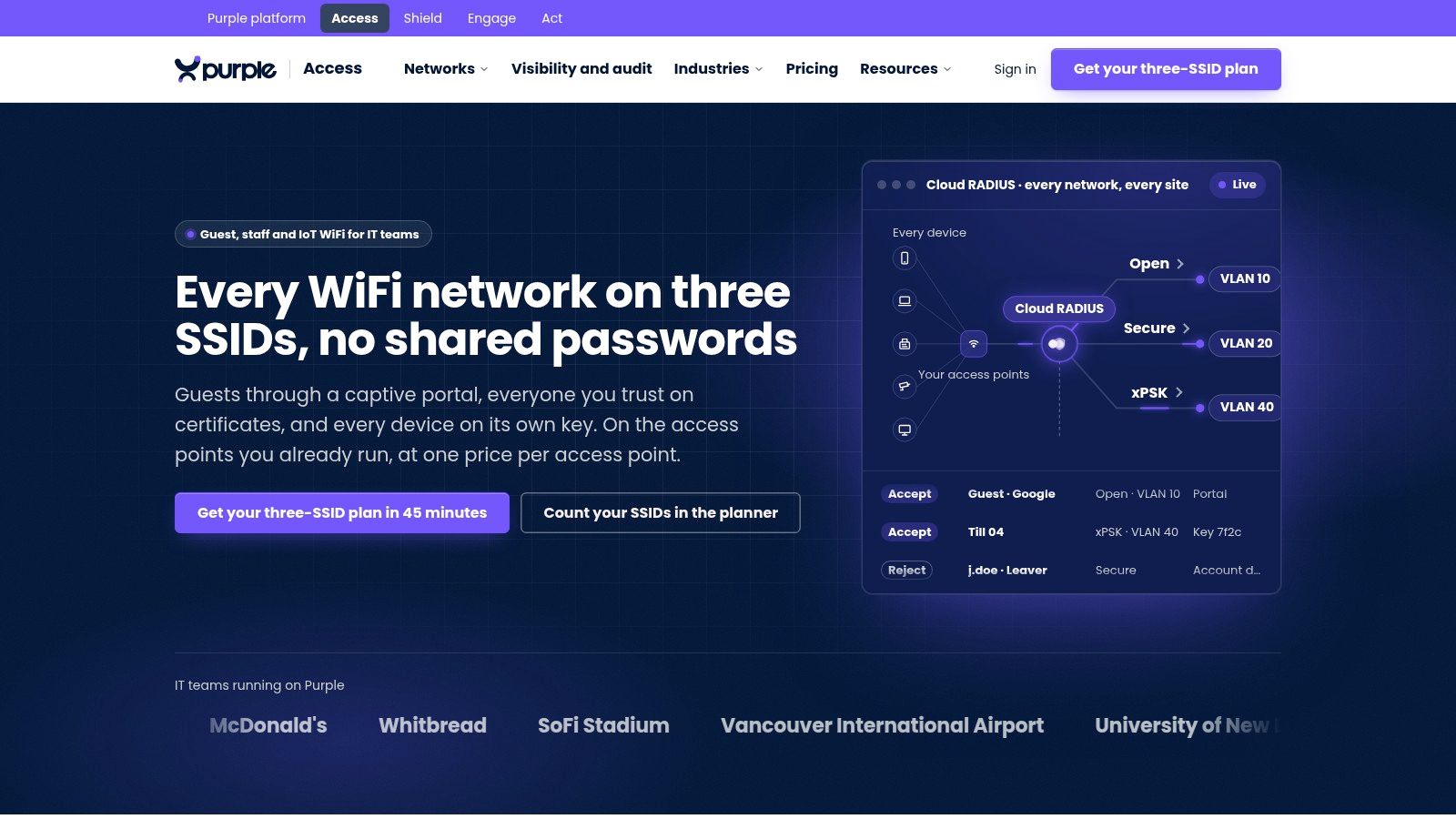
Purple Access fits teams replacing shared credentials with identity-led access, rather than just replacing a splash page. Our approach uses three SSIDs on existing access points: Open for guests and BYOD onboarding, Secure for trusted users, and xPSK for devices, residents and tenants.
Cloud RADIUS maps identities to VLANs. Staff can use EAP-TLS certificates supplied through MDM, while individual xPSK credentials let administrators revoke a device or tenant without disrupting unrelated users. Directory and MDM integrations connect onboarding to systems such as Entra ID, Okta, Intune and Jamf.
Where the Portal Fits
Our branded Open portal supports SSO, social sign-in, SMS one-time passcodes, custom fields and hotel PMS room checks, with consent recorded. Passpoint and OpenRoaming provide a separate route for secure guest access without repeated portal interaction.
That separation matters in hospitality. Guests can complete a room check, staff can authenticate with certificates, and cash registers or room equipment can use key-bound VLANs. Those workflows shouldn't depend on the same shared password.
- Strength: Identity-based VLAN assignment, managed PKI and individually revocable keys address problems that a marketing portal alone doesn't.
- Commercial model: The paid Access license is priced per access point per year and includes guests, staff and devices. Our free Connect license includes the guest portal and free OpenRoaming.
- Limitation: Consolidating SSIDs still requires network design. Switch trunks, controller capabilities, directory groups and MDM certificate policies must agree.
Our broader platform separates protective DNS through Purple Shield from guest engagement through Purple Engage. That lets you distinguish the access-control requirement from optional filtering and marketing workflows.
I'd shortlist this approach when staff onboarding, resident isolation and guest access belong in the same operating model. The pilot should prove VLAN enforcement and revocation on your actual access points, not just demonstrate a successful portal login.
2. Cloudi-Fi
Cloudi-Fi is worth evaluating when the security team owns guest connectivity across an enterprise estate. Its cloud-hosted platform covers guest, employee, BYOD and IoT access, with centralized management rather than a separate local portal appliance.
Guest onboarding includes social login, custom forms, SAML and corporate identity providers. The useful distinction is its broader access-management scope. A retail branch visitor and an employee's unmanaged cell phone don't necessarily need the same identity evidence or access policy.
- Best fit: Organizations that need centrally governed access across sites and existing enterprise networking environments.
- Main trade-off: Scoping identity flows and network integrations takes more work than configuring a small-venue email-capture portal.
- Procurement issue: Pricing is sales-led, so compare the proposed service scope, support terms and deployment dependencies rather than an assumed entry price.
Make Enforcement Part of the Demonstration
Don't accept a SAML login demonstration as proof of dynamic VLAN assignment. Require the proposed configuration to show where authorization happens, which RADIUS attributes reach the network, and how an active session is terminated after access is withdrawn.
For MDM-based onboarding, establish whether the quoted package includes certificate issuance and lifecycle management or integrates with another service. Those are materially different operating responsibilities.
A guest network security review should also cover client isolation, firewall boundaries and administrative access. Cloud-hosted onboarding doesn't remove those network-side duties. Cloudi-Fi's suitability depends on the supported controller configuration and enforcement path, not on the availability of a branded portal.
3. Cloud4Wi
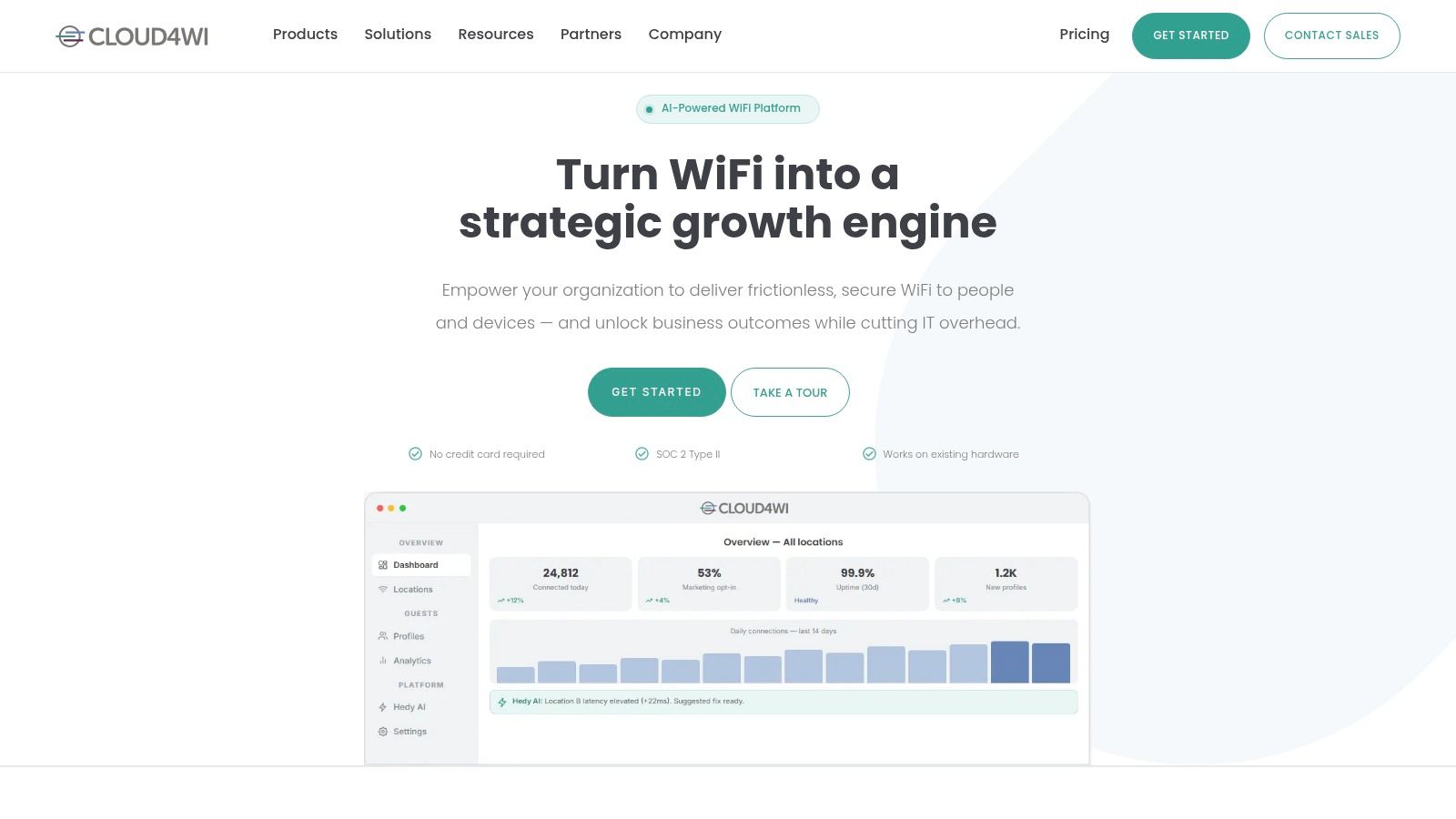
A property operator may need guest registration in reception, resident connectivity upstairs and workforce access in the management office. Cloud4Wi is relevant to that mixed environment because its offering spans guest WiFi, multi-family connectivity and network access control.
Its branded portal connects with CRM systems, identity providers and APIs. Passpoint and OpenRoaming support a different returning-user experience from repeatedly completing a web form. Existing multi-vendor network support also makes it a candidate for properties that can't standardize hardware immediately.
Separate Guest Profiles From Network Identity
A consented CRM profile answers who agreed to receive communications. A network identity answers which credentials authorize access and what policy applies. Don't treat those records as interchangeable.
For resident access, test whether the proposed design isolates households, accommodates devices without browsers and revokes an occupant's access cleanly. For workforce access, require a demonstration of the certificate or credential flow, including the role of MDM and the system returning VLAN policy.
- Advantage: Guest, resident and workforce use cases sit within a broader platform than a standalone splash page.
- Commercial consideration: Published Professional pricing helps initial evaluation, but subscription scope and enterprise requirements still need reconciliation.
- Limitation: Support for a network vendor doesn't prove that every controller, firmware release or policy function is supported.
Cloud4Wi is a reasonable shortlist candidate when access and guest engagement overlap. It's less compelling if the requirement is merely a terms-acceptance page. Keep the pilot focused on the access models you intend to operate, not every available engagement feature.
4. IronWiFi
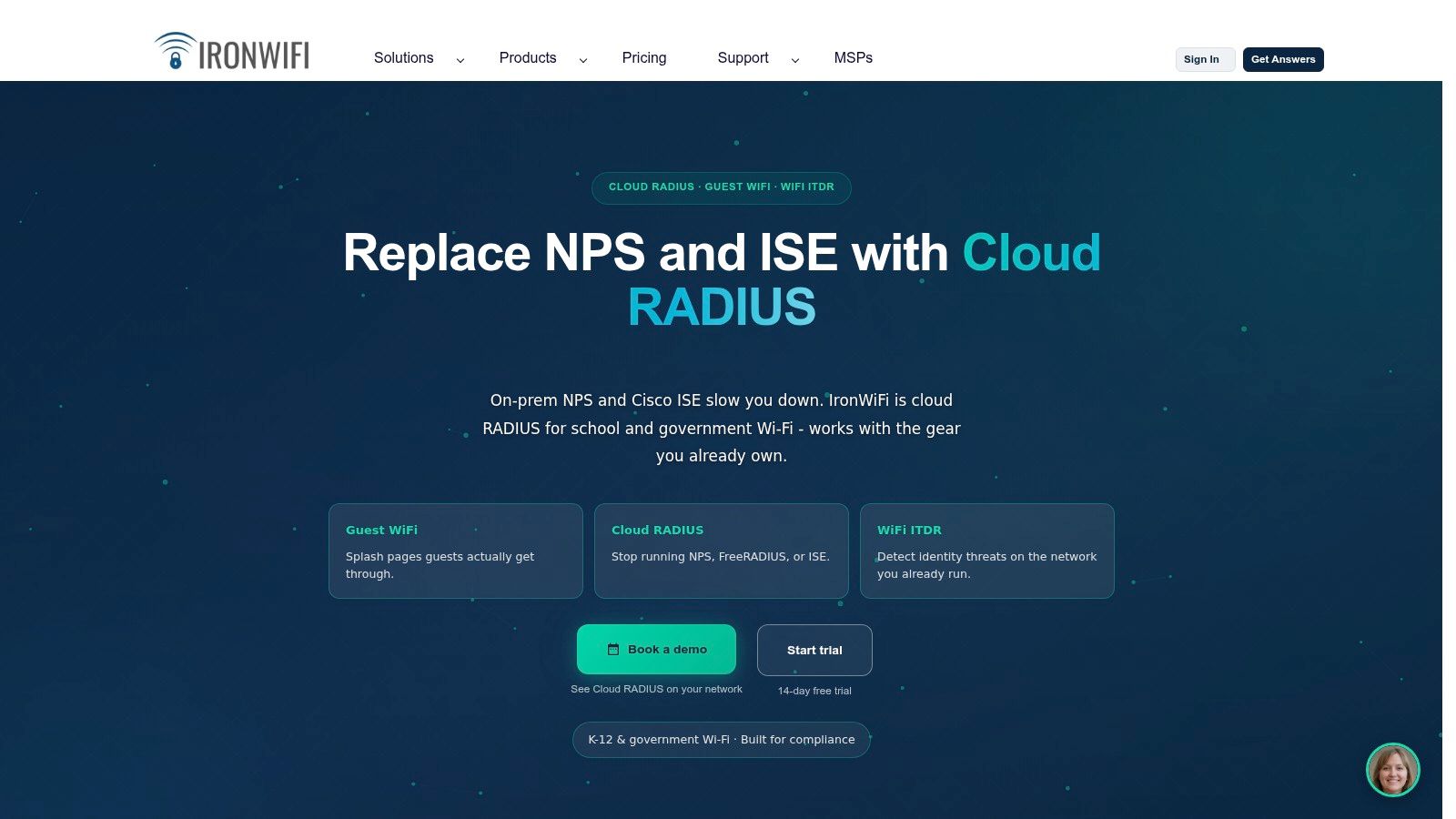
Cloud RADIUS is the reason to examine IronWiFi beyond its portal editor. It offers captive portals alongside employee-network services, making it relevant when guest sign-in and workforce authentication need a common provider.
Portal methods include email, social login, SMS, vouchers, SAML SSO and payment options. Passpoint and OpenRoaming are also part of the offering. That breadth suits operators who need different admission rules for visitors, employees and paying hotspot users.
The operational boundary is important. IronWiFi can supply authentication services, but the controller and gateway still need the correct redirect, walled-garden, and enforcement configuration.
A RADIUS acceptance message is not evidence that the user landed on the intended VLAN. Verify the assigned network and permitted traffic after authentication.
Test the Network-Side Dependencies
- RADIUS policy: Inspect the attributes returned for each identity group and confirm the controller applies them.
- Employee onboarding: Establish how certificates or credentials are provisioned, renewed and revoked, including any dependency on your MDM.
- Traffic controls: Verify bandwidth and session policies on the network equipment rather than assuming the portal enforces them.
Published starting prices make initial comparisons easier, but guest-service venue minimums can affect smaller deployments. Compare the complete guest and employee subscription scope.
IronWiFi falls short if you expect a cloud portal to eliminate controller work. It's a better fit for teams comfortable configuring network integrations and validating the complete authentication-to-connectivity path.
5. Aislelabs Connect
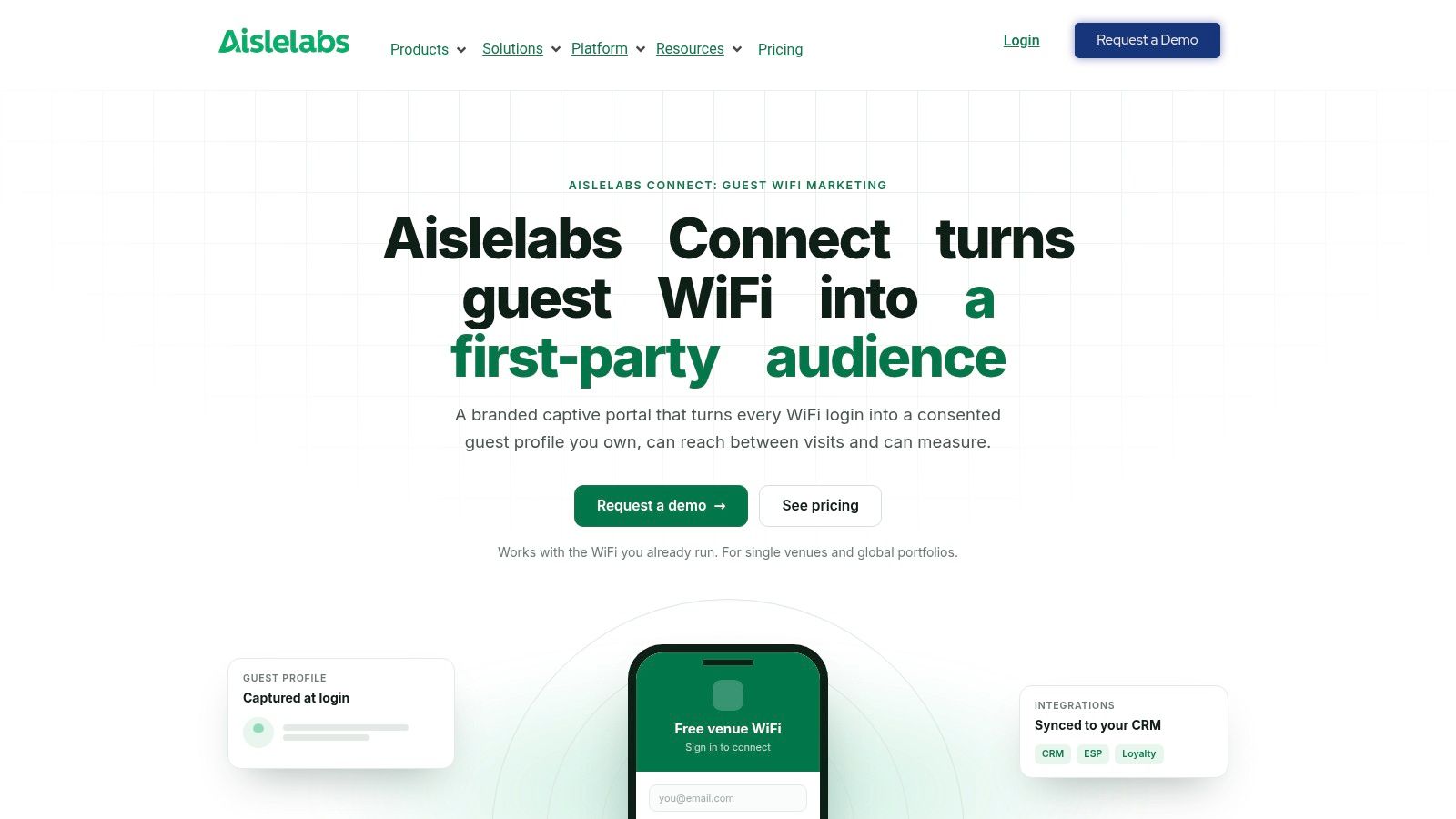
Aislelabs Connect belongs primarily on the guest engagement shortlist. Its purpose is to turn WiFi registration into consented profiles that can feed CRM and marketing workflows.
The portal supports methods including email, social login, SMS, vouchers, room numbers and custom forms. Progressive profiling can collect information across interactions rather than presenting an oversized initial form. Passpoint support provides an automatic-reconnection option for returning guests.
Useful for Venues, Not a Substitute for Staff NAC
Shopping centers, airports, hotels and stadiums may value consistent guest registration and exportable visitor profiles. Aislelabs Connect fits that requirement more directly than a platform chosen principally for certificate-based employee authentication.
Keep the boundaries explicit:
- Guest engagement: Confirm which CRM and email-service integrations are included and how consent changes propagate.
- Hotel access: A room-number field isn't the same as a live PMS validation. Demonstrate the required property-system workflow.
- Network security: Don't infer MDM onboarding, cloud RADIUS or identity-assigned VLAN capabilities from the guest portal feature list.
Privacy deserves equal attention. A Montreal public WiFi study found that 27 of 67 hotspots studied collected personal information through social login or registration pages. Collect only what the access or marketing workflow needs.
For guest WiFi marketing, separate acceptance of network terms from optional campaign consent. Pricing depends on venue characteristics and modules, while broader analytics or campaign activation may require additional products. Evaluate the proposed package, not the capabilities of the entire portfolio.
6. Spotipo
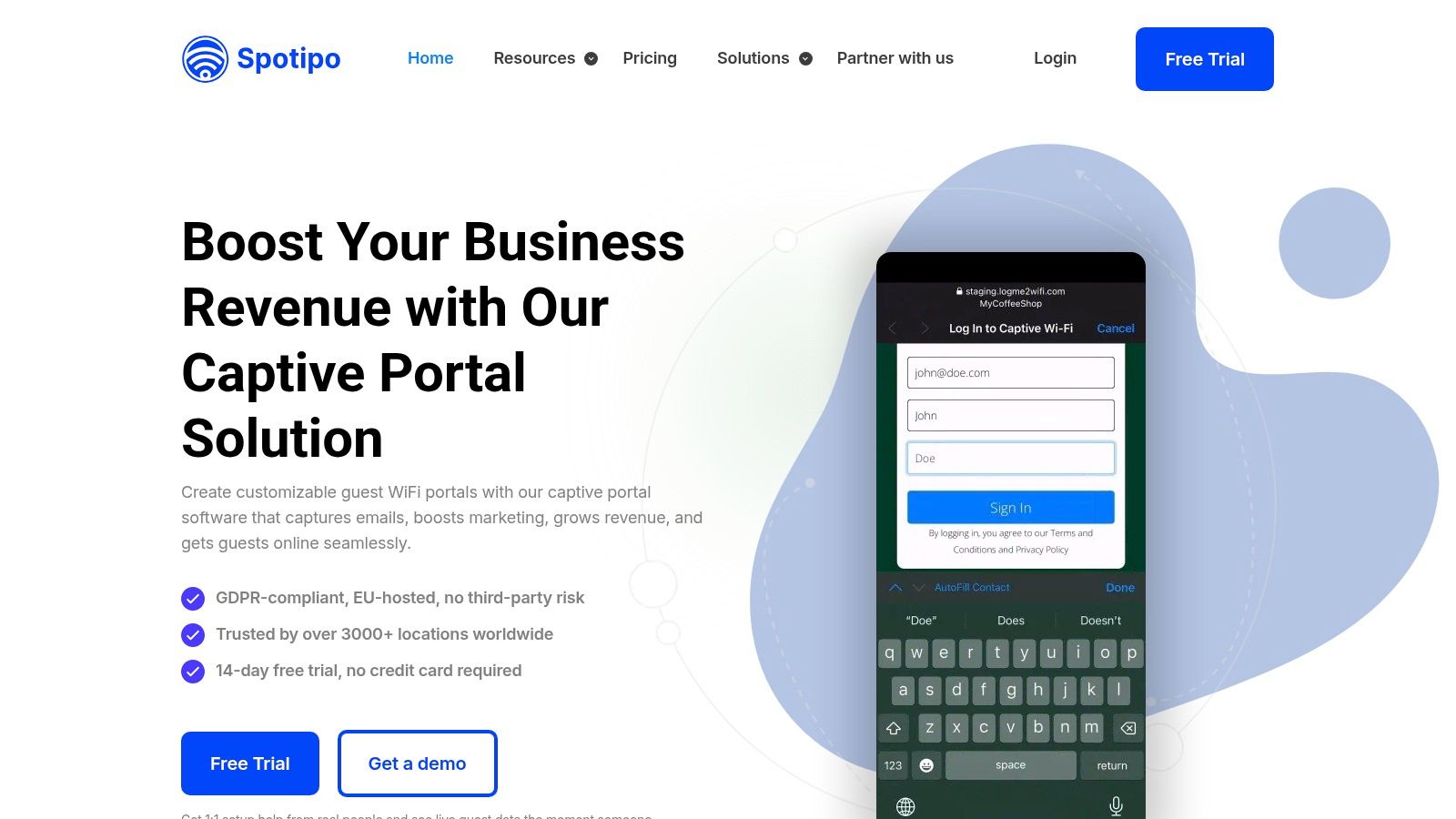
Keeping the existing network and replacing its basic guest page is a sensible requirement. Spotipo targets that job with a cloud captive portal, guest-data capture and paid-access options across supported router and access-point brands.
Login options include email, cell phone, social, vouchers, passwords, and terms-only access. Applicable plans support Stripe payments, while CRM integrations and consent capture connect registration to customer workflows.
This is primarily a guest-access and marketing purchase, not evidence of a complete workforce identity platform. Don't assume portal authentication includes managed certificate issuance, MDM-driven EAP-TLS or directory-based VLAN assignment.
Evaluate the Small-Chain Economics
Per-location pricing makes an initial budget relatively straightforward. Guest limits and plan-specific login methods still matter, especially for venues with busy events or seasonal peaks.
- What works: A supported existing network can gain branded registration, vouchers or paid WiFi without a hardware replacement.
- What needs checking: The exact controller integration, payment dependencies, guest-volume allowances and multi-location subscription scope.
- Where it falls short: Teams seeking staff certificate lifecycle management need explicit evidence of that capability or a separate identity service.
Test the portal's walled garden with every selected login method. Social authentication and payment pages can depend on destinations beyond the portal's own hostname.
For an independent venue or smaller chain, that focused scope can be an advantage. You're not buying an enterprise access architecture you don't need. Just keep operational devices and staff connectivity outside the marketing-led guest workflow.
7. HotspotSystem
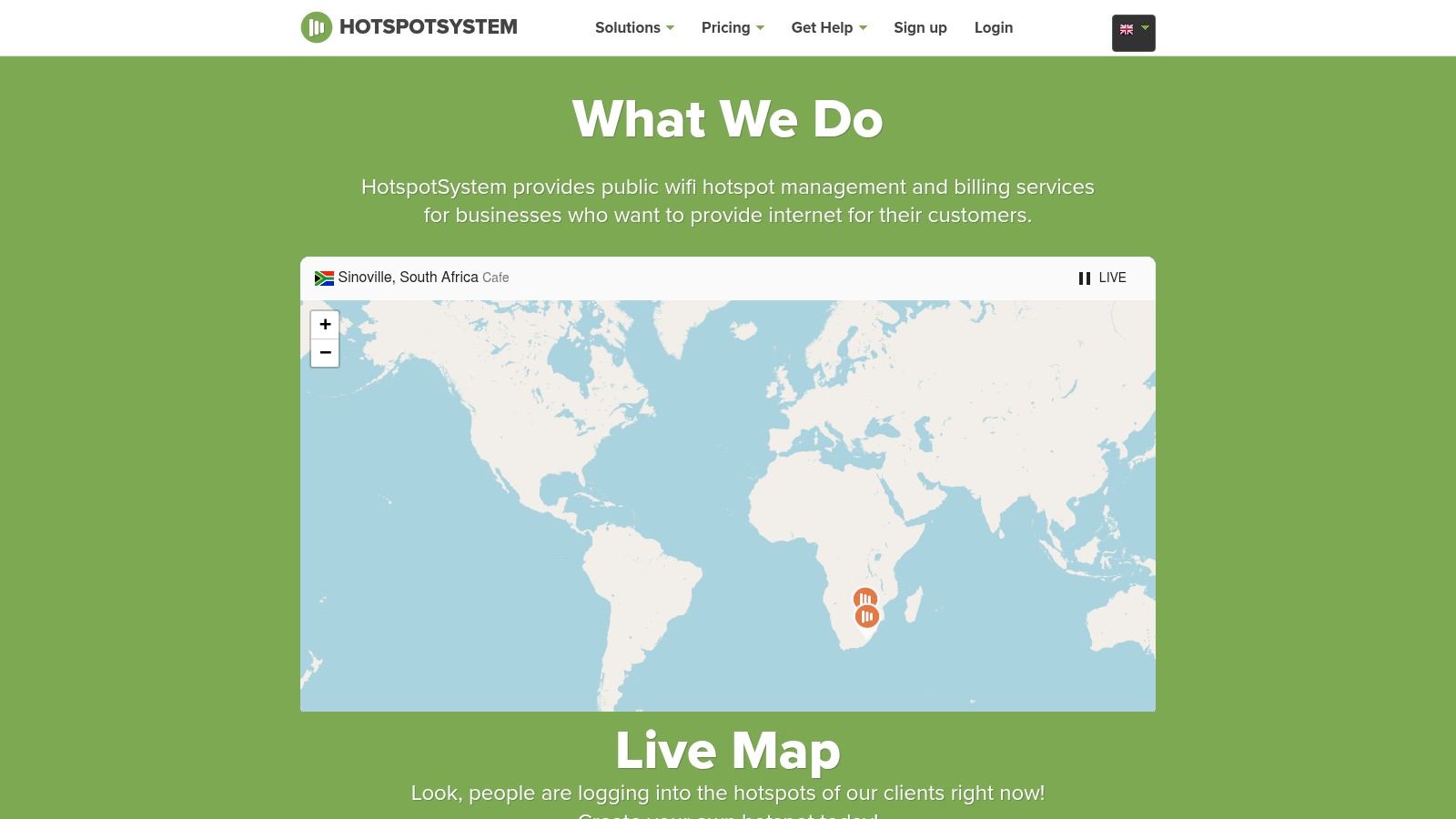
Vouchers, session administration and payment handling remain legitimate requirements. HotspotSystem is oriented toward those hotspot operations rather than making customer marketing the central reason to deploy a portal.
Its access options include captive splash pages, social login, vouchers and SMS codes. Paid-access workflows suit operators who sell connectivity or distribute access through front desk, front desk kiosks or venue staff.
Choose It for Hotspot Operations
Public plans and a free entry option let operators examine the basic workflow before committing. The cost comparison needs more care once session caps, SMS credits, or other add-ons enter the design.
- Operational fit: Cafes, hotels and public hotspot operators managing access sessions or selling internet access.
- Cost caution: Compare billing periods and usage allowances against expected seasonal demand.
- Architectural limit: Voucher administration doesn't replace employee identity, MDM onboarding or device-specific segmentation.
A Hotspot 2.0 access model addresses a different problem from selling a portal session. It lets appropriately provisioned devices join participating networks without repeating the conventional web-login journey.
Don't assume those access models are interchangeable or included in the same package. If returning guests need automatic secure attachment, require a demonstration of the proposed provisioning and fallback path.
HotspotSystem is less attractive when the main requirement is advanced CRM activation or enterprise workforce access. It deserves consideration when the operator's daily work revolves around issuing access, controlling sessions and reconciling connectivity purchases.
8. Antamedia WiFi Hotspot
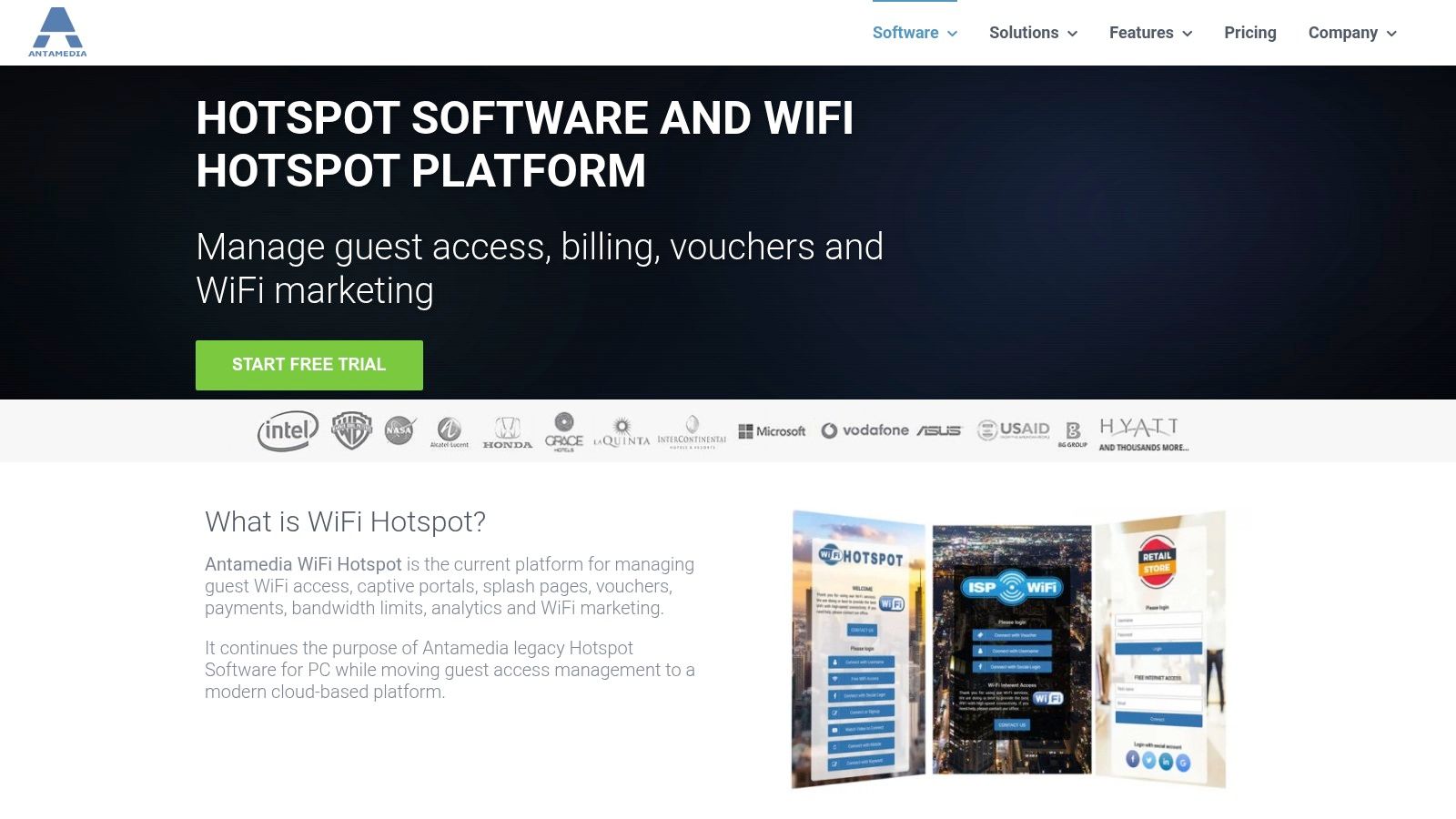
Deployment control distinguishes Antamedia WiFi Hotspot. Alongside its hosted service, Antamedia offers a separate on-premises enterprise option for organizations that want to operate the platform on their own infrastructure.
Its scope includes branded portals, vouchers, payments, session limits and analytics. Time and bandwidth controls make it relevant to operators managing the commercial and operational side of hotspot access.
The important procurement decision is which architecture you're buying. A hosted portal and an on-premises enterprise deployment create different responsibilities for patching, backups, certificates, and recovery.
Establish the Enforcement Point
Ask the proposed design to identify where traffic passes, where sessions are authorized and which component enforces limits. That determines both failure behavior and the practical work needed to integrate existing access points.
- Strength: Access administration and billing sit alongside the portal rather than being incidental additions.
- Trade-off: The broader feature set may be unnecessary for a venue that only needs terms acceptance.
- Integration risk: Payment gateways, hotel PMS connections and controller support must match the selected hosted or enterprise product.
For a hotel, demonstrate the actual room-validation workflow and what happens when the PMS is unavailable. For staff access, don't treat guest billing functions as evidence of certificate-based onboarding or RADIUS-driven role assignment.
Antamedia makes sense when infrastructure ownership or hotspot billing is a firm requirement. It's harder to justify if your team wants the smallest possible operational footprint and has no need for the additional access-management functions.
9. Beambox
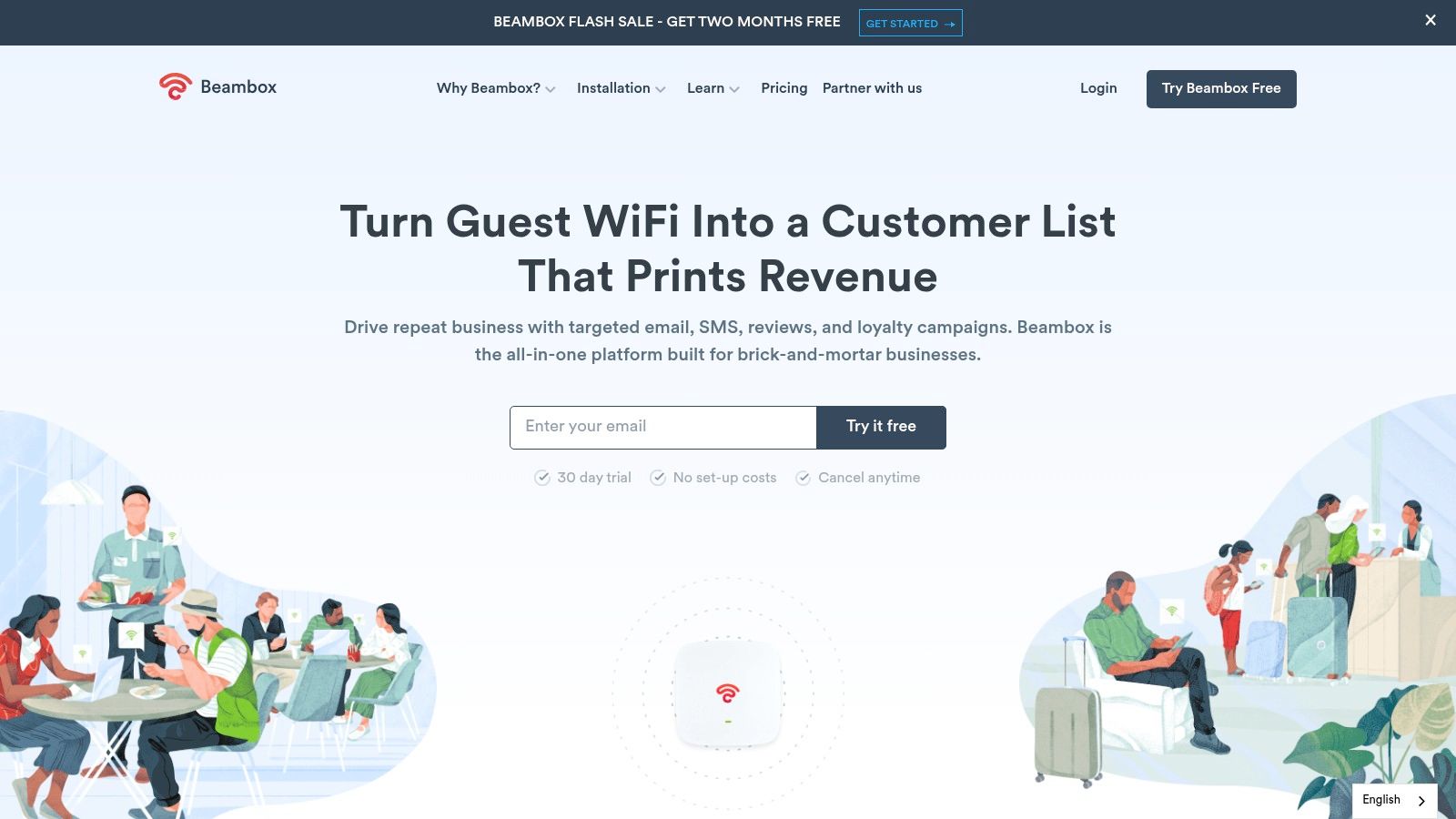
A restaurant manager usually wants guests online and customer follow-up working without involving a network engineer in every campaign. Beambox addresses that commercial workflow with a customizable portal, guest database, segmentation and campaign tools.
Higher plans add review-generation and reputation features. Integrations such as Mailchimp and Zapier connect guest records to other business systems, while compatible existing WiFi hardware can support deployment without replacing the network.
Keep Marketing and Access Control Separate
Beambox is a marketing-led portal, not the natural starting point for a staff certificate or IoT segmentation project. Its value depends on whether the business will use customer messaging and reputation workflows.
Buying judgment: Don't pay for campaign automation to solve a VLAN problem. Don't buy enterprise NAC merely to collect optional newsletter signups.
Published tiers and rolling subscriptions help smaller businesses evaluate the commitment. Location and guest-volume assumptions still need to match the deployment, and hardware compatibility must be checked against the actual controller setup.
- Good fit: Customer-facing hospitality and retail venues with an owner for guest marketing.
- Less suitable: Organizations whose main requirement is MDM enrollment, credential revocation or identity-driven network policy.
- Pilot priority: Validate consent fields, contact synchronization and the complete login flow on customer devices.
Also test what happens when guests decline marketing. They should follow the intended access policy without staff having to improvise an exception. A useful guest database should come from a deliberate consent workflow, not confusion at the login screen.
10. Adentro
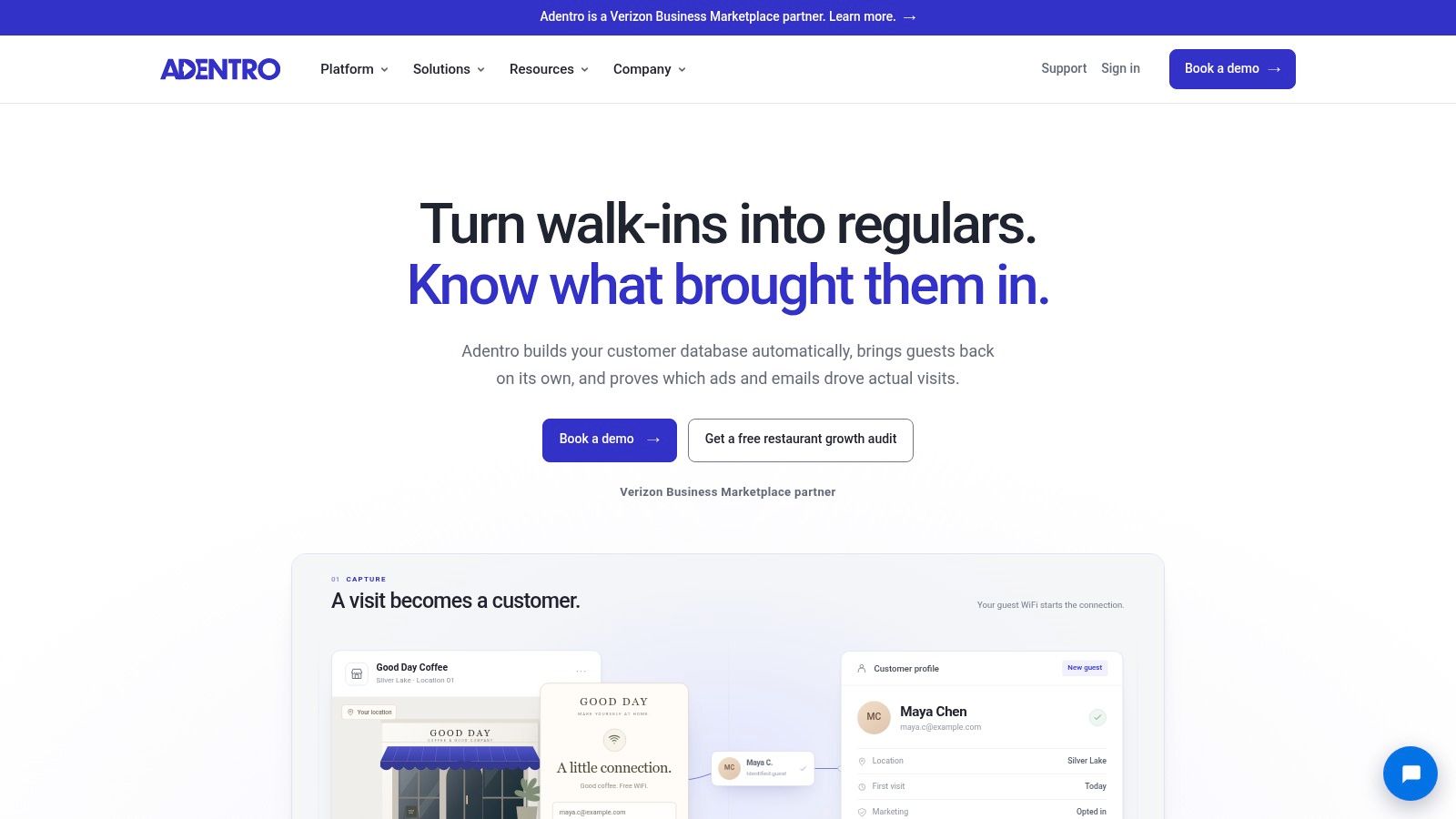
Adentro is most relevant when the buyer wants to connect guest acquisition, advertising audiences and physical visits. The captive portal supplies contact capture, while the wider platform supports marketing and visit measurement.
Restaurants and retailers running acquisition or win-back campaigns are the natural audience. The distinction from a portal-only product is the proposed ability to assess whether marketing activity corresponds with real-world visits.
Budget for the Campaign, Not Just the Portal
A platform subscription and a managed advertising program are different purchases. Public pilot pricing helps initial evaluation, but media spend and managed services can change the overall commitment substantially.
- Advantage: Guest capture connects to campaign activation and visit measurement.
- Dependency: Existing WiFi hardware must be supported, and measurement requirements should be understood before deployment.
- Mismatch: Secure staff onboarding, MDM certificate delivery and device VLAN assignment aren't the primary reason to choose this platform.
Require a clear explanation of what counts as a measured visit, how identities are matched and which consent and retention settings apply. A marketing dashboard is only useful when the team understands what its metrics represent.
Adentro falls short as the central answer to shared staff passwords or poorly isolated registers and cameras. Keep that access-control work in the network architecture.
Choose it when marketing has a defined campaign objective, an operating budget and responsibility for acting on the results. Otherwise, the venue may acquire a more elaborate portal without using the capabilities that distinguish it.
How the 10 captive portal software platforms compare on use case, pricing signals, trials and Passpoint support
| Item | Best for | Pricing signal | Free or trial option | Passpoint/OpenRoaming |
|---|---|---|---|---|
| Purple Access | Identity-led guest, staff, and IoT WiFi | Annual per-access-point pricing; quote required | No option stated | Supports both |
| Cloudi-Fi | Enterprise guest, employee, BYOD, and IoT access | Sales-led; no public pricing | No option stated | Not specified |
| Cloud4Wi | Guest, resident, and workforce WiFi across multiple sites | Professional pricing published; larger deployments require sales | 30-day trial advertised | Supports both |
| IronWiFi | Guest portals, paid access, and employee authentication | Published starting prices; guest venue minimum | No option stated | Supports both |
| Aislelabs Connect | Venue guest onboarding, data capture, and marketing | Tailored to venue, locations, access points, and modules | No option stated | Passpoint supported; OpenRoaming not specified |
| Spotipo | Independent venues needing guest or paid WiFi | Published per-location pricing | 14-day trial | Not specified |
| HotspotSystem | Hotspot operators offering vouchers or paid access | Public pricing; some plans billed semi-annually | Free entry plans with session limits | Not specified |
| Antamedia WiFi Hotspot | Operators needing access controls, vouchers, and billing | Depends on hosted or enterprise configuration | No option stated | Not specified |
| Beambox | Customer-facing venues combining guest WiFi and marketing | Published tiers; varies by location and guest volume | No option stated | Not specified |
| Adentro | Restaurants and retailers focused on marketing and visit measurement | Public pilot pricing; larger rollouts scoped | Pilot option; free trial not stated | Not specified |
Matching Captive Portal Software to Your Access Model
Start with the problem rather than the longest feature list. Marketing and visit measurement point toward Aislelabs Connect, Beambox or Adentro. Vouchers, paid access and session administration make IronWiFi, Spotipo, HotspotSystem and Antamedia relevant, depending on the wider requirements.
If the priority is staff security, device onboarding or tenant segmentation, examine the identity architecture first. Cloudi-Fi, Cloud4Wi and platforms combining cloud RADIUS with workforce access deserve closer evaluation. Require proof of the specific workflow rather than treating the category label as confirmation.
Prove Policy and Connectivity Together
The acceptance test should follow a device from association to usable, correctly restricted access. Inspect DHCP, DNS, authentication, VLAN assignment and post-login reachability. Include revocation while the device is connected, not just deletion of an account before its next login.
For portal detection, the IETF captive portal signaling standard describes DHCP and IPv6 Router Advertisement mechanisms, while explicitly warning that signaling isn't a complete solution. Test IPv4 and IPv6, current operating systems and equipment without a conventional browser.
- Identity evidence: Obtain written details of RADIUS attributes, MDM certificate provisioning, revocation and controller enforcement.
- Guest workflows: Confirm Passpoint, PMS validation, SMS delivery and fallback behavior for the selected package.
- Operating terms: Record retention, deletion, outage behavior, support responsibilities and the cost of adding sites.
Don't force every returning user through a portal indefinitely. The Wireless Broadband Alliance's 2026 industry report describes deployed and planned Passpoint/OpenRoaming networks, supporting evaluation of reusable network identity alongside browser-based guest registration. Check credential issuance, trust relationships and fallback access as carefully as the initial login.
Pilot the Access Model You'll Actually Operate
For corporate housing, our Open network places short-stay guests behind a consent-recording portal on an isolated guest VLAN. For RV parks and resorts, our xPSK model gives vacation rentals private seasonal access while keeping operational equipment on separately controlled keys.
Those are different access models, even if both properties offer guest WiFi. Test the relevant model at a pilot site on the access points you already own, alongside the current network.
Where a free entry tier exists, use it to test real devices before signing a wider contract. Judge the result on successful attachment, correct segmentation, revocation, support tickets and usable audit evidence. A polished page is useful, but it isn't the acceptance criterion.
Purple Access combines a branded guest portal with cloud RADIUS, MDM-based staff access and individually revocable device or tenant keys on existing access points. Visit Purple Access to explore the Open, Secure and xPSK model and plan a pilot that tests identity, VLAN assignment and guest onboarding before a wider rollout.